# Attachments serving locally on the server but not publicly
**URL:** https://meta.discourse.org/t/attachments-serving-locally-on-the-server-but-not-publicly/372181
**Category:** Support
**Created:** [June 29, 2025, 7:16pm UTC](https://meta.discourse.org/t/attachments-serving-locally-on-the-server-but-not-publicly/372181 "2025-06-29T19:16:48Z")
**Posts on this page:** 7
**Page:** 1
### Author:  [@SubStrider](https://meta.discourse.org/u/SubStrider)
#### Post date: [June 29, 2025, 7:16pm UTC](https://meta.discourse.org/t/attachments-serving-locally-on-the-server-but-not-publicly/372181/1 "2025-06-29T19:16:48Z")
## Problem Summary
I’m encountering a **404 error** when accessing an image upload via its URL on the live Discourse site (`https://techenclave.com`), **even though** the image is present on disk and served correctly internally. I’ve rebaked the post, restarted the app, and verified internal serving works, but it still 404s externally.
* * *
## What’s Working
### 1. Upload Exists in DB
Using the Rails console, I confirmed that the upload exists with all correct metadata:
```ruby
Upload.find_by(sha1: 'a8fbe877e685e6a6994532c946c446b1279da7d2')
```
**Output includes** :
- `url: "/uploads/default/original/3X/a/8/a8fbe877e685e6a6994532c946c446b1279da7d2.jpeg"`
- Filename: `IMG202506252257011.jpg`
- ID: `170265`
- Used in Post ID: `3125774`
* * *
### 2. File Exists on Disk
Verified file is present inside the container:
```bash
ls -l /shared/uploads/default/original/3X/a/8/a8fbe877e685e6a6994532c946c446b1279da7d2.jpeg
```
✔ File exists with correct ownership and permissions:
`discourse:www-data`, `-rw-r--r--`.
* * *
### 3. Symlink from Public Folder Works
The `public/uploads` symlink is intact:
```bash
ls -l /var/www/discourse/public/uploads
# => /shared/uploads
```
* * *
### 4. Discourse Can Serve It Internally
Tested with:
```bash
curl -I http://localhost:3000/uploads/default/original/3X/a/8/a8fbe877e685e6a6994532c946c446b1279da7d2.jpeg
```
Result: `HTTP/1.1 200 OK`
* * *
### 5. Post Rebaked
Rebaked the post with:
```ruby
Post.find(3125774).rebake!
```
* * *
### 6. App Restarted
Ran:
```bash
./launcher restart app
```
Also attempted:
```bash
sudo ./launcher rebuild app
```
(Docker daemon was temporarily unavailable but later fixed.)
* * *
## What’s Not Working
### External Access to Image
Accessing:
```plaintext
https://techenclave.com/uploads/default/original/3X/a/8/a8fbe877e685e6a6994532c946c446b1279da7d2.jpeg
```
Returns:
```plaintext
404 Not Found
```
This happens across browsers and in incognito mode.
* * *
## What I Need Help With
Can someone help identify what could cause:
- A working upload that serves via `localhost:3000`,
- but returns 404 externally on the public domain?
What else should I check? Any related config or logs to inspect?
Thanks in advance!
---
### Author:  [@SubStrider](https://meta.discourse.org/u/SubStrider)
#### Post date: [June 29, 2025, 7:20pm UTC](https://meta.discourse.org/t/attachments-serving-locally-on-the-server-but-not-publicly/372181/2 "2025-06-29T19:20:11Z")
Even freshly uploaded images are not loading. Getting 404

---
### Author:  [@pfaffman](https://meta.discourse.org/u/pfaffman)
#### Post date: [June 29, 2025, 8:31pm UTC](https://meta.discourse.org/t/attachments-serving-locally-on-the-server-but-not-publicly/372181/3 "2025-06-29T20:31:55Z")
I guess this is not a [standard install](https://meta.discourse.org/t/142537?silent=true)? That’s mostly all that is supported here.
How did you install discourse?
---
### Author:  [@RGJ](https://meta.discourse.org/u/RGJ)
#### Post date: [June 29, 2025, 9:27pm UTC](https://meta.discourse.org/t/attachments-serving-locally-on-the-server-but-not-publicly/372181/4 "2025-06-29T21:27:22Z")
Next time maybe mention that you very recently migrated?

Did you follow [this guide](https://meta.discourse.org/t/change-the-domain-name-or-rename-your-discourse/16098) when you changed from `temp.techenclave.com` to `techenclave.com` ?
---
### Author:  [@SubStrider](https://meta.discourse.org/u/SubStrider)
#### Post date: [June 30, 2025, 12:50am UTC](https://meta.discourse.org/t/attachments-serving-locally-on-the-server-but-not-publicly/372181/5 "2025-06-30T00:50:23Z")
Thank you.
The install was a standard discourse install guide on GitHub.
Yes I did a local migration on my laptop, took a backup and restored the backup on the server by uploading the file and doing a backup restore from admin panel. Should not have done that coz not all attachment files got restored despite it showing successful. Anyway did a rsync of files from local install on laptop to server to get them upto date.
Next it was a domain migration, as you rightly pointed out, from temp to root after testing the setup for a day.
The reason I did not mention the above was coz even the latest files which were being uploaded after all the above activity are also not showing. Despite a rebuild. So I did not find that info relevant.
---
### Author:  [@SubStrider](https://meta.discourse.org/u/SubStrider)
#### Post date: [June 30, 2025, 12:57am UTC](https://meta.discourse.org/t/attachments-serving-locally-on-the-server-but-not-publicly/372181/6 "2025-06-30T00:57:39Z")
No did not follow that guide. But when I look at it I can see that only step missed was:
1. The old domain shows up in allowed iframe list along with the new domain in settings.
2. remapping domain in posts which I was going to do later anyway including a rebake once this issue is resolved. The post in question was rebaked and does not have the old domain in the URL of the image.
Are these two relevant points?
Even the theme image is giving a 404.
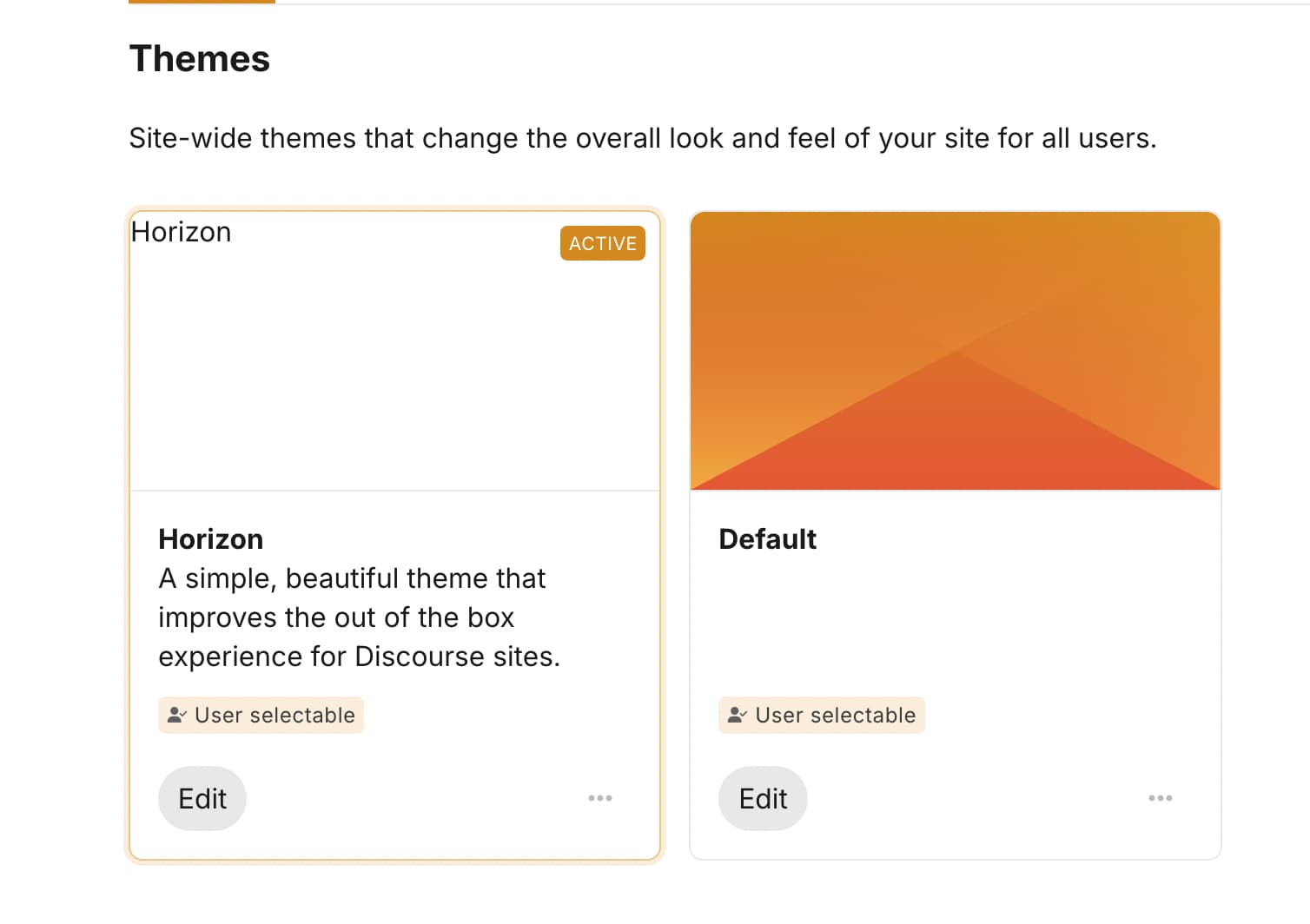
I see the nginx logs are littered with permission denied errors for images.
Plus I see this but unable to fix the permissions. Maybe I messed up some step like ran setup with wrong user.
```plaintext
root@ip-172-26-0-app:/var/www/discourse# ls -ld /shared/uploads/default/optimized/3X
drwx---r-x 18 discourse www-data 4096 Jun 29 17:52 /shared/uploads/default/optimized/3X
root@ip-172-26-0-app:/var/www/discourse# ls -ld /shared/uploads/default/optimized
drwx---r-x 5 discourse www-data 4096 Jun 29 17:52 /shared/uploads/default/optimized
```
Edit:
Fixed it by changing directory permissions and ownership.
---
### Author:  [@system](https://meta.discourse.org/u/system)
#### Post date: [July 30, 2025, 12:58am UTC](https://meta.discourse.org/t/attachments-serving-locally-on-the-server-but-not-publicly/372181/7 "2025-07-30T00:58:37Z")
This topic was automatically closed 30 days after the last reply. New replies are no longer allowed.