Sure, thanks for your interest.
Here’s a couple of videos that now look great in the embed, but show black bars when thumbnailed (and in preview):

og:image is:
as you rightly point out … has black bars.
And
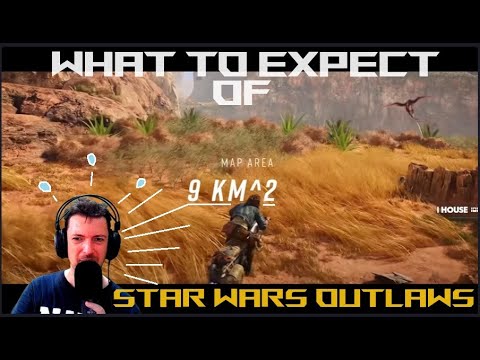
og:image is:
as you rightly point out … has black bars …
NB Here is a “good case”:

og:image in this case is much bigger:

I’m currently using my Topic List Previews Sidecar plugin to regenerate the thumbnails whilst clipping them using the plugins bespoke overrides:
… but an automated way of doing this in core would be great as this is super annoying to have to keep doing semi-manually.
The challenge is identifying which images can be cropped?
Is it just a case of forcing 16:9 if you discover the youtube image is 4x3 or below a certain res (which means it must have black bars?).
I guess that might mean optimize image being passed a flag to tell it it’s dealing with youtube?
Seems strange to me that YouTube doesn’t standardise to 16:9 thumbnails?! Perhaps I’m missing something …
Thanks for enlightening me on the size difference!