I’m currently using this: GitHub - davidmh/discourse-giphy: Giphy integration for discourse · GitHub
1개의 좋아요
The plugin has been updated to support SVG icons with Font Awesome 5
2개의 좋아요
I’ve added this plugin following the guidelines on the github page, but it doesn’t work! I’ve also added it under hooks, but the problem persists. How can I properly install it, or uninstall if it doesn’t work eventually? Thanks in advance!
To uninstall, you simply remove it from your app.yml.
Are you running on HTTPS? Did you add the template to support a reverse proxy?
3개의 좋아요
Fixed! Thank you very much!
3개의 좋아요
Thanks for this great plugin.
I just have a little issue, the icon to insert a Gif doesn’t appear in the window, do you have any idea where it could come from ?

Core’s icons changed to be based on fontawesome 5 sets, which is probably why the icon’s missing. The plugin would need to be updated here to support it.
3개의 좋아요
I don’t think that is it… it already supports FA 5.
3개의 좋아요
On latest, on my sandbox, the icon works fine…

I need to know the Discourse version and if there are any console related errors on your site.
4개의 좋아요
So… is this still working for anyone?
I didn’t take a look at this plugin for a few years but today I did… and the world is https now - after using the reverse proxy solution the JSON that is returned still has URL’s with http:// in them, so they are not showing because of mixed content?
4개의 좋아요
Update: we’ve fixed the above issue by doing the following in our nginx config.
(Disclaimer: I don’t know if the docker image includes the ngx_http_sub_module)
  location /replygif/ {
        proxy_pass http://replygif.net/;
        proxy_set_header Accept-Encoding "";
        sub_filter http://replygif.net/ /replygif/;
        sub_filter_once off;
        sub_filter_types application/json;
  }
The API URL in your settings should be https://yourforumname/replygif/api/ if you use this.
@PaulinaMX this is working on your forum now
7개의 좋아요
@RGJ Thank you very much  the categories are working perfectly, only it seems that the tags are not working.
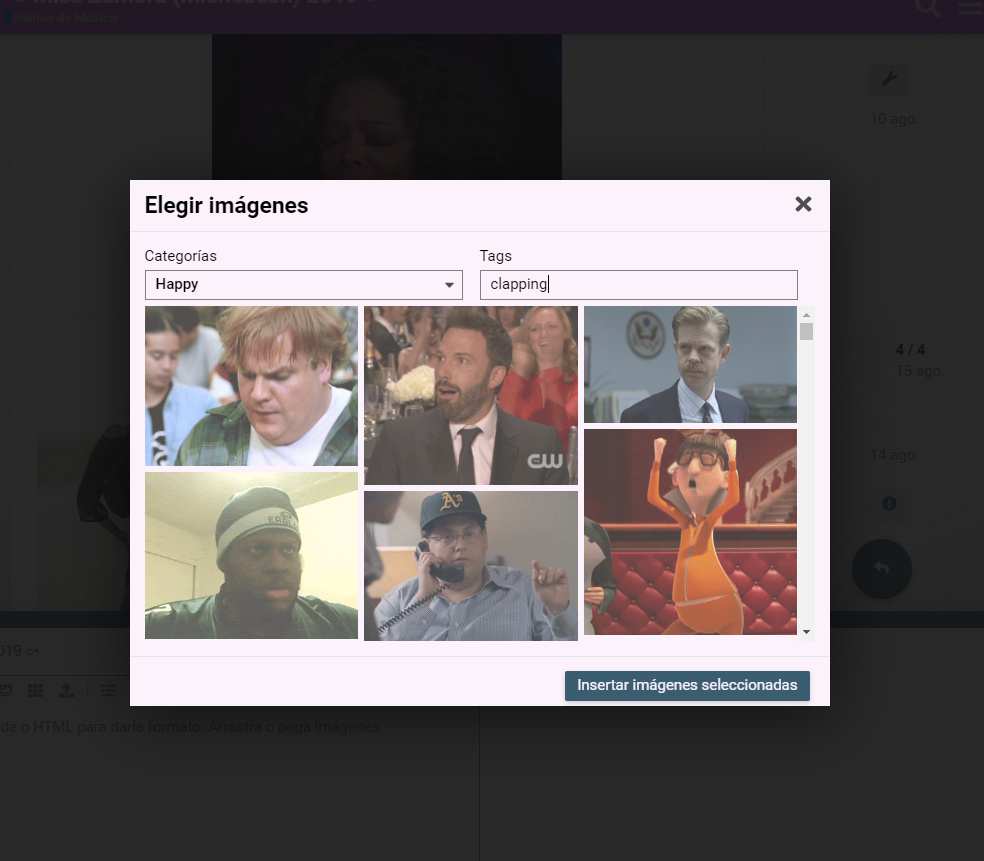
That seems to be an issue in the plugin itself. @cpradio do you have any idea?
1개의 좋아요
@cpradio We need you
현재 브라우저에서는 HTTPS 웹사이트에서 HTTP 콘텐츠가 차단되는데, 이 수정으로 blocked:mixed-content 문제를 해결할 수 있을까요?
프록시 지침을 따르셔야 합니다.
README에 HTTPS에 관한 섹션이 있습니다.
요약 거기에 프록시 설정을 적용했지만, 프록시를 거치지 않는 링크가 여전히 가져와지므로 문제를 해결하지 못합니다.
상세 내용:
서버를 확인해 보니 지시하신 대로 설정되어 있었습니다. 컨테이너 내부로 들어가 discourse.conf를 점검한 결과, 프록시 패스가 적절히 설정되어 있었습니다.
Chromium 개발자 도구(네트워크 탭)를 사용하면 프록시를 통해 요청이 이루어지는 것을 볼 수 있습니다. 예를 들어 https://mycompany.com/replygif/gifs?api-key=39YAprx5Yi&reply=Angry와 같은 요청이 있습니다. 이 요청은 http://replygif.net/i/1032.gif와 같은 URL이 포함된 JSON을 반환합니다.
그 후, 클라이언트 브라우저에서 네트워크 연결을 통해 http://replygif.net/thumbnail/176.gif와 같은 섬네일 이미지를 요청합니다. 이는 CSP(콘텐츠 보안 정책)가 혼합 콘텐츠(http + https)를 차단하기 때문에 당연히 실패합니다.
ember.js 애플리케이션이 어떻게 동작하는지는 정확히 알지 못하지만, 네트워크 트래픽을 추측해 보면 이미지 URL을 포함한 JSON을 반환하기 위한 쿼리가 있고, 이후 섬네일을 위해 해당 URL이 가져와지는 것으로 보입니다. 그러나 이미지 링크 자체는 작동하지 않으며, 프록시 패스만으로는 이를 해결할 수 없습니다.
이를 해결하려면, ember 애플리케이션 자체를 설정하여 프록시를 통해 동일한 참조 URL을 사용하도록 이러한 URL 참조를 다시 작성해야 할 것 같습니다. 예를 들어 https://mycompany.com/replygif/thumbnail/176.gif와 같이요.
의견 있으신 분? 제안 사항이 있으신가요?
1개의 좋아요
그 부분에 대해 내가 할 수 있는 일은 별로 없어 보인다. replygif가 아직 HTTPS를 지원하지 않는 것 같으니까.
2개의 좋아요
이런 거에 익숙지 않은 초보자인데, 이 플러그인을 위한 리버스 프록시를 설정하는 단계별 가이드가 있을까요?
보안 사이트이고 DigitalOcean에 호스팅되어 있어요. 도움이 된다면 참고하세요.
네, readme 파일에 단계별로 안내되어 있습니다. 템플릿을 올바른 위치에 배치하기 위한 wget 명령어도 포함되어 있으며, 그 후에는 app.yml 파일을 업데이트하여 해당 템플릿을 사용하도록 설정하면 됩니다.
2개의 좋아요