# Request to delay post from wordpress
**URL:** https://meta.discourse.org/t/request-to-delay-post-from-wordpress/98588
**Category:** WordPress
**Created:** [October 2, 2018, 11:48pm UTC](https://meta.discourse.org/t/request-to-delay-post-from-wordpress/98588 "2018-10-02T23:48:44Z")
**Posts on this page:** 10
**Page:** 1
### Author:  [@davidkingham](https://meta.discourse.org/u/davidkingham)
#### Post date: [October 2, 2018, 11:48pm UTC](https://meta.discourse.org/t/request-to-delay-post-from-wordpress/98588/1 "2018-10-02T23:48:44Z")
I am using the [WP Offload Media plugin](https://deliciousbrains.com/wp-offload-media/) to send my images to s3 on wordpress, but the images take a minute to move over to s3 when the post is published. The problem is the discourse plugin is immediate so the post gets sent over to discourse with the links to images that are locally hosted, and shortly thereafter the offload plugin sends them to s3, and now the original links are broken in the discourse post. If there was a simple setting to delay the discourse post by say 5 minutes it would resolve this issue.
---
### Author:  [@Stephen](https://meta.discourse.org/u/Stephen)
#### Post date: [October 2, 2018, 11:58pm UTC](https://meta.discourse.org/t/request-to-delay-post-from-wordpress/98588/2 "2018-10-02T23:58:03Z")
Doesn’t that plugin include the option to move to S3 from the media library? If so you can get your files into S3 prior to publishing.
Edit: Yes, looks like it does, you can select the images prior to publishing and offload them:

It makes much more sense for you to use existing functionality that achieves the same result, than ask for new features to be developed.
---
### Author:  [@davidkingham](https://meta.discourse.org/u/davidkingham)
#### Post date: [October 3, 2018, 3:58pm UTC](https://meta.discourse.org/t/request-to-delay-post-from-wordpress/98588/3 "2018-10-03T15:58:38Z")
Thanks Stephen, I reached out to the developers and received this response
> The images are sent to S3 as soon as they are uploaded to the Media Library, whether that’s directly with “Add New” or via “Add Media” when editing a post. So while drafting a post any media should be showing S3 URLs.
> If that is correct, but when you publish your post it still sends content with local URLs to Discourse, then it’s likely that whatever plugin you’re using for that is not properly processing “the\_content” via WP’s filters. The following guide may be of help.
> [Filtering URLs in Custom Content](https://deliciousbrains.com/wp-offload-media/doc/filtering-urls-in-custom-content/)
Can anyone confirm that the discourse plugin is using `the_content`?
---
### Author:  [@davidkingham](https://meta.discourse.org/u/davidkingham)
#### Post date: [October 26, 2018, 12:54am UTC](https://meta.discourse.org/t/request-to-delay-post-from-wordpress/98588/4 "2018-10-26T00:54:47Z")
Here’s another example of a post I just published, I even tried using the update post feature and it did not change. So it actually doesn’t seem to be related to the plugin or delay at all. For some reason, the discourse plugin is taking the local file url instead of cdn url which is actually in the source code.
If you view the source on this page:
> **[Creating Order in Chaos: A Guide to Photographing Forests](https://www.naturephotographers.network/articles/finding-order-in-chaos-a-guide-to-photographing-forests/)**
>
> Photographing forests can be extremely challenging. In this article, Eric describes his process for finding order in the chaos using various techniques to simplify arrangements and compositions.
The first image in post is this:
> **Wordpress Source**
>
> ` `
And the html that was published to discourse was this:
> **Discourse**
>
> ```
>
`
And the html that was published to discourse was this:
> **Discourse**
>
> ```
> 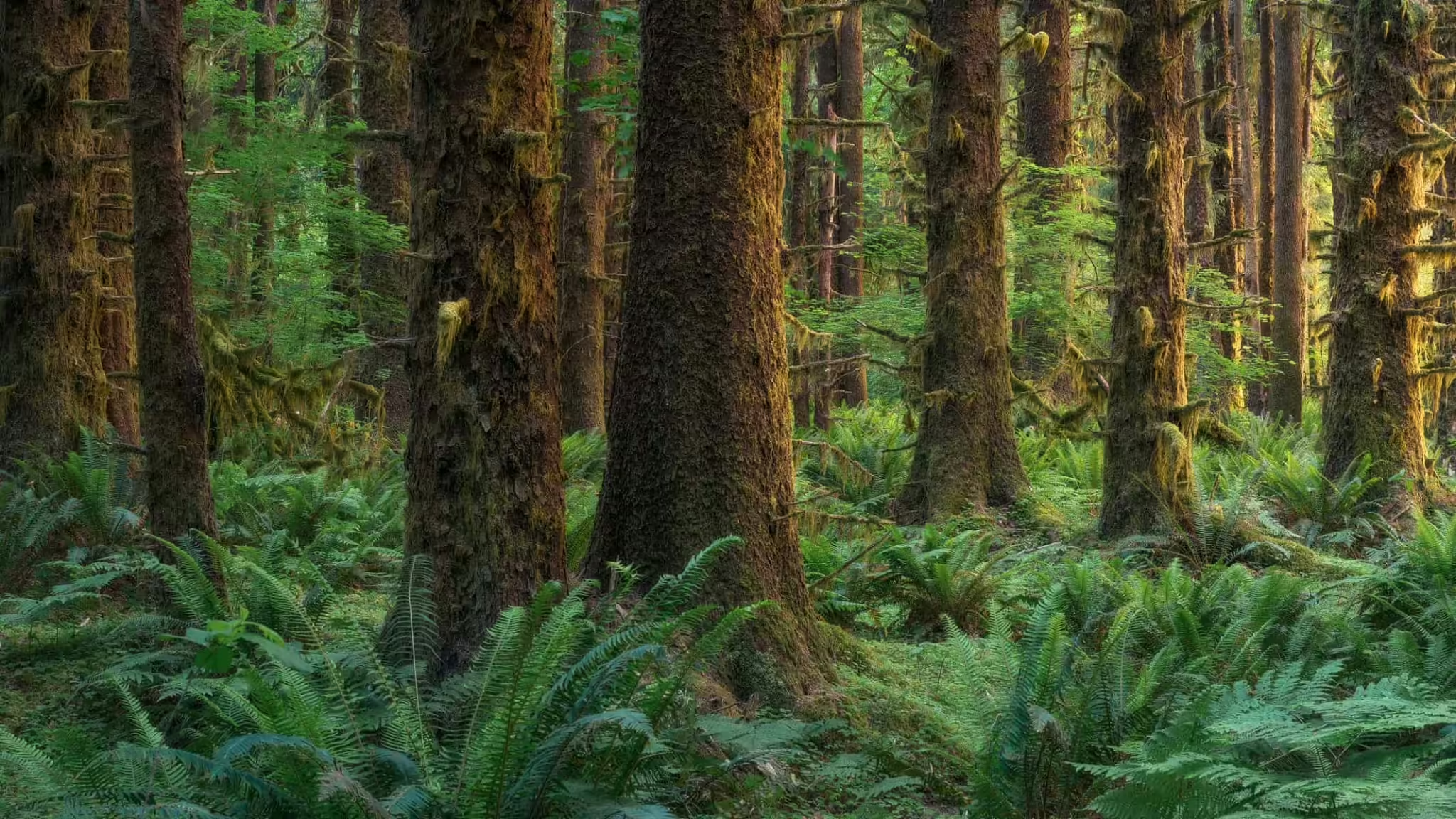 >
> Focus On A Single Tree
>
> ```
`
---
### Author:  [@Stephen](https://meta.discourse.org/u/Stephen)
#### Post date: [October 26, 2018, 1:21am UTC](https://meta.discourse.org/t/request-to-delay-post-from-wordpress/98588/5 "2018-10-26T01:21:46Z")
Have you inspected the database to check if your S3 plugin is updating post\_content or post\_content\_filtered?
---
### Author:  [@simon](https://meta.discourse.org/u/simon)
#### Post date: [October 26, 2018, 1:45am UTC](https://meta.discourse.org/t/request-to-delay-post-from-wordpress/98588/6 "2018-10-26T01:45:25Z")
> [@davidkingham](#):
>
> Can anyone confirm that the discourse plugin is using `the_content` ?
No, it isn’t. I’ll look into it some more as to whether or not it should be applying that filter. The main problem I see with it is that if shortcodes get parsed there can be a lot of display issues on Discourse.
For the moment, you can apply the filter yourself, or apply the `as3cf_filter_post_local_to_s3` filter. You can do this by hooking into the `wp_discourse_excerpt` filter that the plugin applies to the post content that’s published from WordPress to Discourse. Only try this if you have someway of accessing the backend of your site in case something goes wrong when adding the code. Try one or the other of these code snippets to your theme’s `functions.php` file.
```plaintext
add_filter( 'wp_discourse_excerpt', 'wpdc_custom_excerpt' );
function wpdc_custom_excerpt( $content ) {
return apply_filters( 'as3cf_filter_post_local_to_s3', $content );
}
```
```plaintext
add_filter( 'wp_discourse_excerpt', 'wpdc_custom_excerpt' );
function wpdc_custom_excerpt( $content ) {
return apply_filters( 'the_content', $content );
}
```
---
### Author:  [@simon](https://meta.discourse.org/u/simon)
#### Post date: [December 10, 2018, 6:31pm UTC](https://meta.discourse.org/t/request-to-delay-post-from-wordpress/98588/7 "2018-12-10T18:31:29Z")
With version `1.7.9` of the [WP Discourse](https://github.com/discourse/wp-discourse) plugin, if the full post content is published to Discourse, the `the_content` filter is applied to the content before it is published. This is being done to remove the markup that WordPress adds to posts that are published with the Block Editor.
Let me know if this causes any issues.
---
### Author:  [@davidkingham](https://meta.discourse.org/u/davidkingham)
#### Post date: [December 11, 2018, 10:35pm UTC](https://meta.discourse.org/t/request-to-delay-post-from-wordpress/98588/8 "2018-12-11T22:35:56Z")
Looks good, only bit of weirdness is the image caption goes to the right of the image rather than below it now.

---
### Author:  [@simon](https://meta.discourse.org/u/simon)
#### Post date: [December 11, 2018, 10:54pm UTC](https://meta.discourse.org/t/request-to-delay-post-from-wordpress/98588/9 "2018-12-11T22:54:48Z")
> [@davidkingham](#):
>
> only bit of weirdness is the image caption goes to the right of the image rather than below it now.
I can reproduce that If the image doesn’t take up the full width of the post.
Edit: if images on your forum are being lightboxed, a possible solution to this would be to add something like this to your Discourse theme’s CSS:
```plaintext
.lightbox-wrapper {
display: block;
}
```
Discourse is displaying `.lightbox-wrapper` as `inline-block`. This is why the caption text can appear to the right of the image. I’m not sure if there will be any issues with using `display: block` instead. I’ll test it out and see.
---
### Author:  [@davidkingham](https://meta.discourse.org/u/davidkingham)
#### Post date: [January 16, 2019, 4:53pm UTC](https://meta.discourse.org/t/request-to-delay-post-from-wordpress/98588/10 "2019-01-16T16:53:01Z")
> [@simon](#):
>
> Edit: if images on your forum are being lightboxed, a possible solution to this would be to add something like this to your Discourse theme’s CSS:
Sorry for the delay, I just tried this and it does not work, unfortunately.
Also, I just published a new post which has centered square images, on discourse it is stretching the images to fill the container even though the html looks correct.
Original post: [Finding Your Muse - Nature Photographers Network](https://naturephotographers.network/articles/finding-your-muse/)
I have the articles section on discourse locked down to members, so here is a screenshot and a portion of the html:

```plaintext
Originally published at: https://naturephotographers.network/articles/finding-your-muse/
```
