This may be related to Composer on mobile is fullscreen even when keyboard is closed .
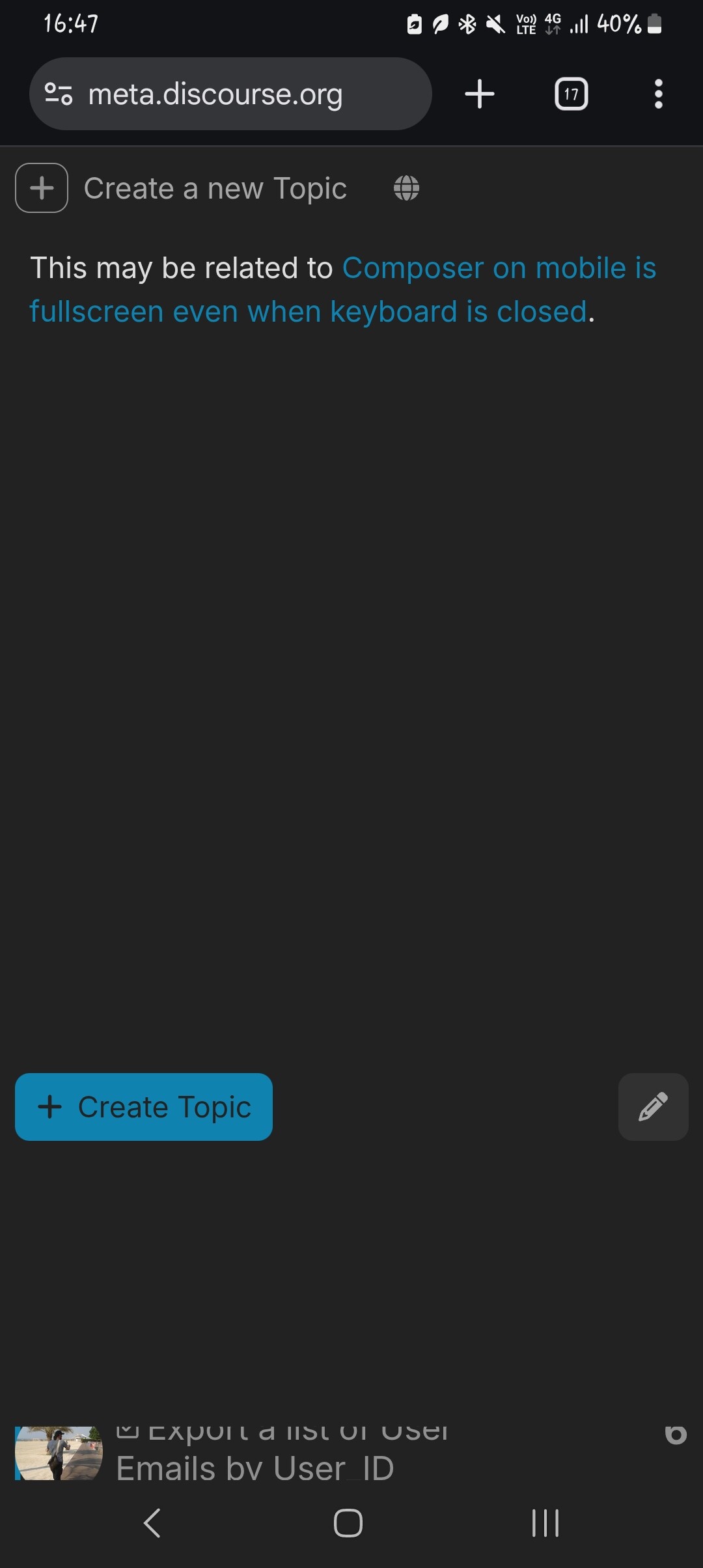
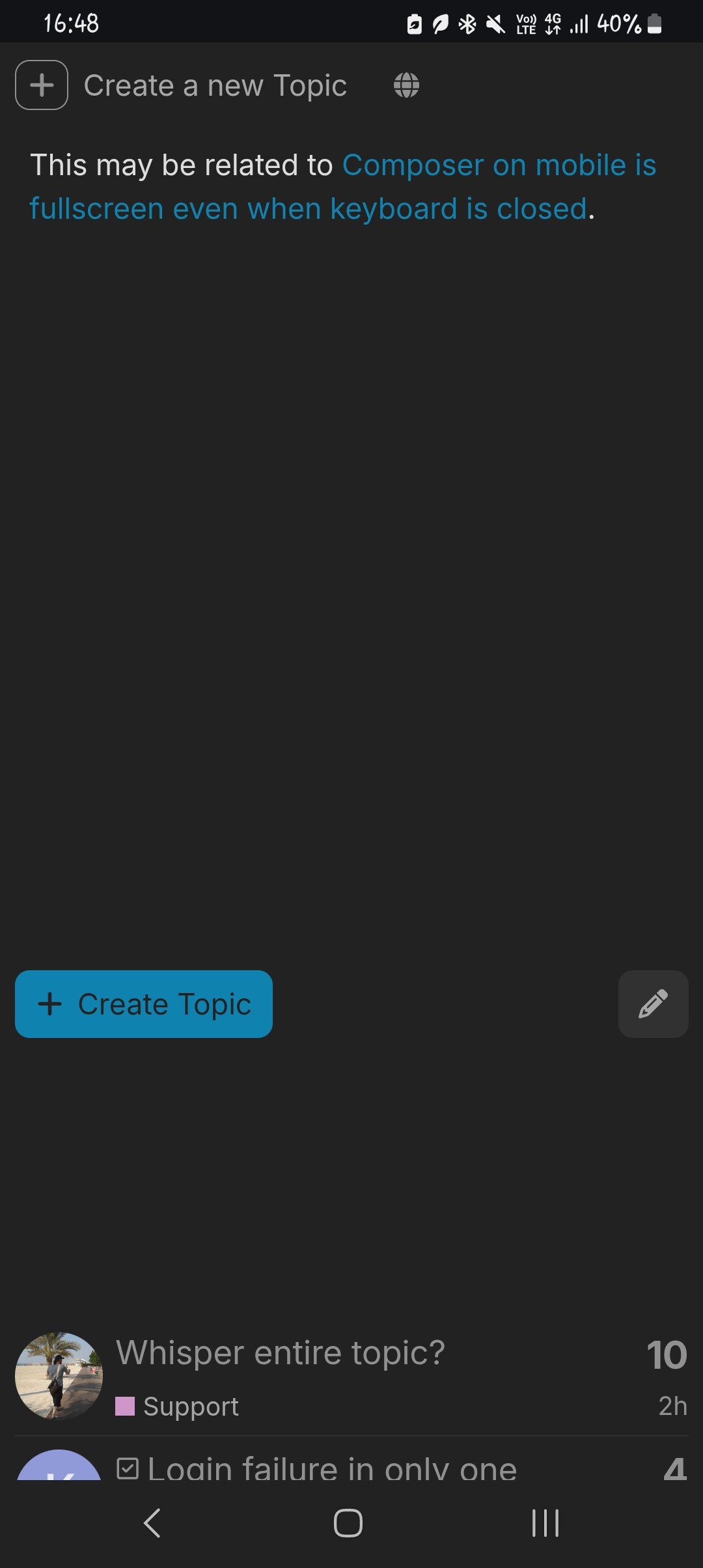
When viewing the composer preview, you can see the page behind it, as it doesn’t go all the way down (if the composer is intended to be fullscreen):
Scrolling down more (larger gap):
You can actually click on the topic through the gap:
Consequently, you can see the topic behind it:
To scroll, I’m scrolling on the big blank space below the Create Topic and pencil icon buttons. That causes the page behind to scroll as well, although the preview doesn’t. However, you can scroll the preview if you scroll on the actual preview area (i.e. above the said buttons).
1 like
chapoi
22 augustus 2025 om 08:51
3
Hoi,
is dit nog steeds het geval voor jou @NateDhaliwal ?
Zo ja, kun je alsjeblieft de browserversie + apparaat delen
1 like
Ja, ik kan het nog steeds zien. Ik gebruik Chrome, mobiel, Android A14.
1 like
chapoi
22 augustus 2025 om 09:29
5
So, just we’re on the same page here: on Meta, my new-topic page looks like this:
Where are the category/tag/title fields in your screenshot? How did you get to that setup?
Ah, sorry dat ik niet duidelijk was. Ik zit in de Markdown-modus en bekijk de preview van mijn bericht.
chapoi
22 augustus 2025 om 09:31
7
Yes, I realised the second I posted it!
1 like
chapoi
22 augustus 2025 om 09:40
8
1 like