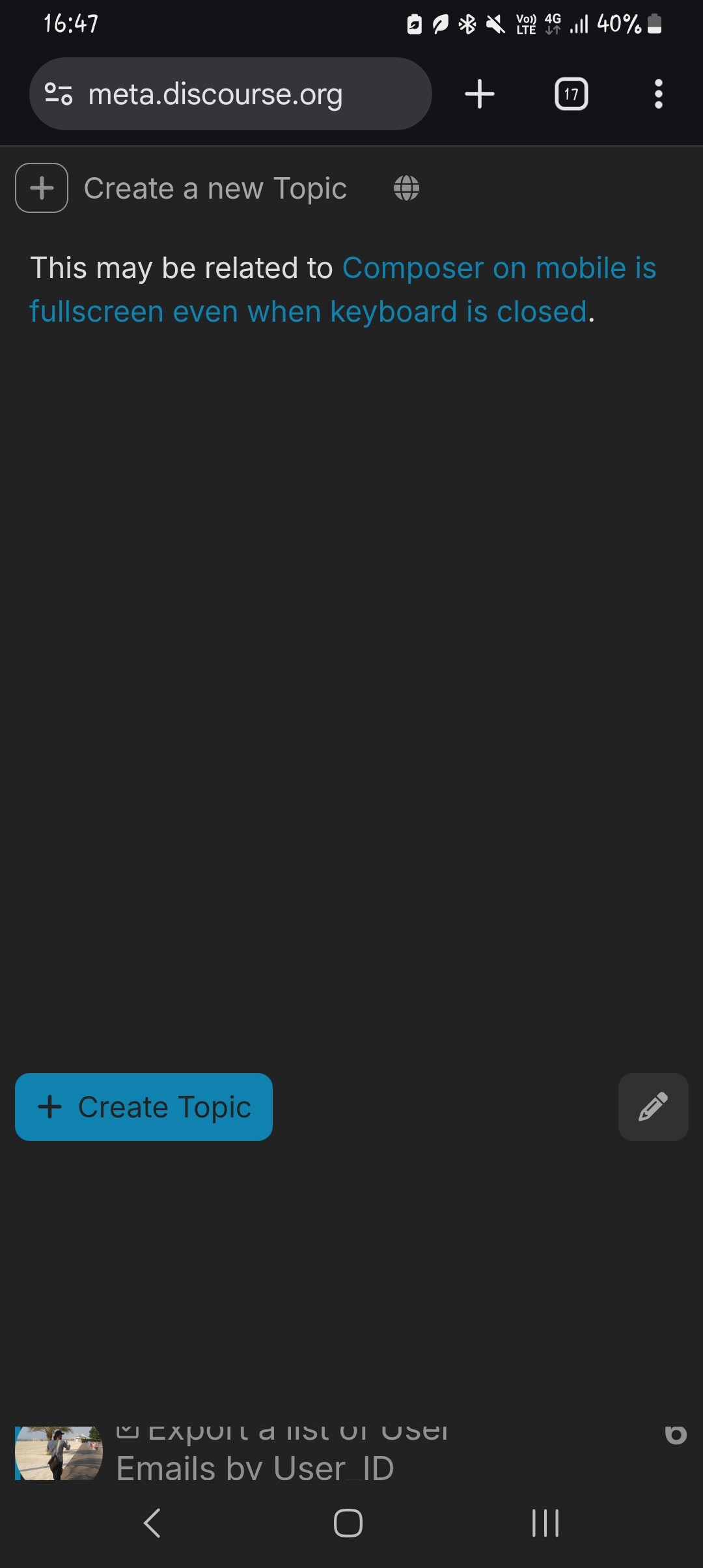
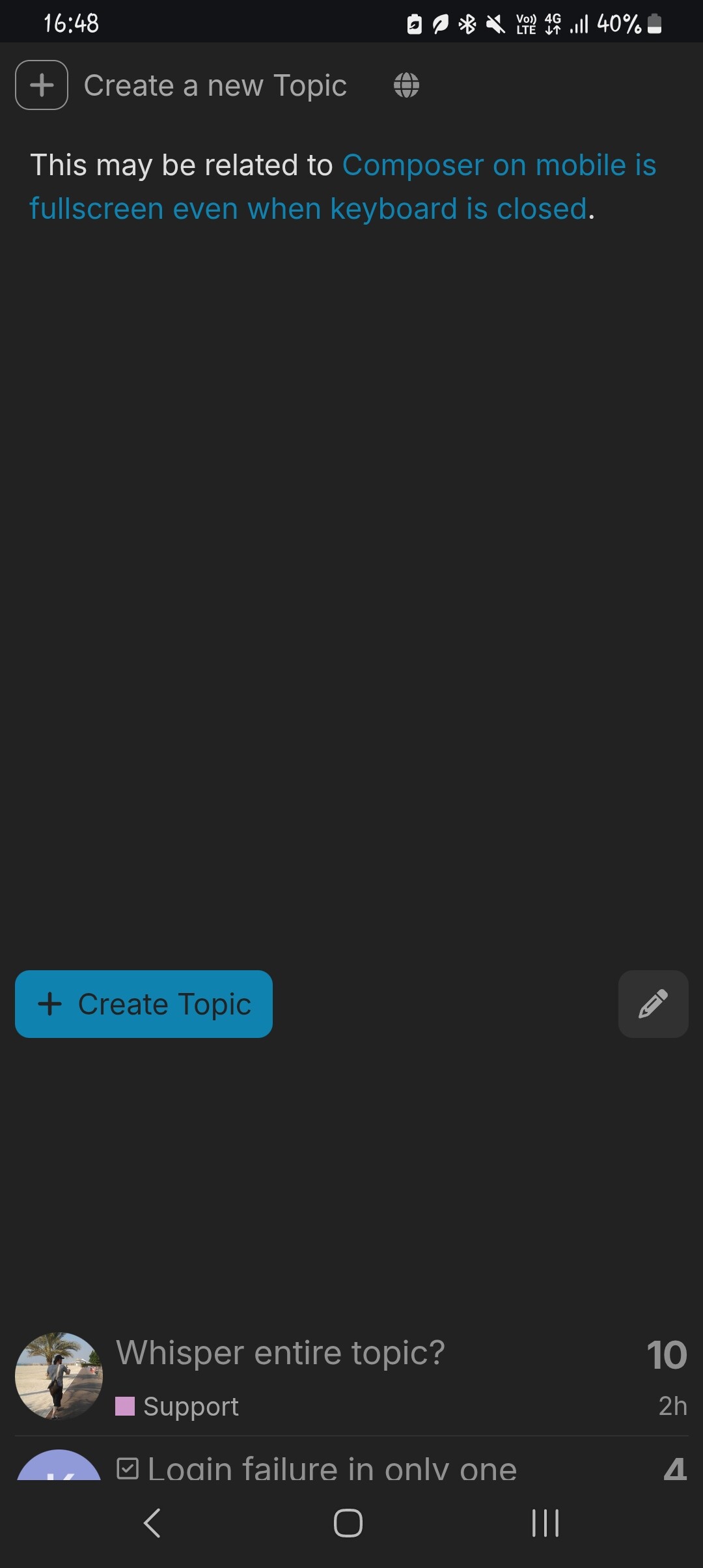
User NateDhaliwal reported an issue with the composer preview on mobile not being fullscreen, allowing the page behind to be visible and interactive. They provided screenshots demonstrating the problem and described the scrolling behavior. chapoi asked for confirmation and device details, which NateDhaliwal provided. After some clarification about the composer mode, chapoi identified a fix for the issue in a GitHub pull request, thanking NateDhaliwal for the report.
To scroll, I’m scrolling on the big blank space below the Create Topic and pencil icon buttons. That causes the page behind to scroll as well, although the preview doesn’t. However, you can scroll the preview if you scroll on the actual preview area (i.e. above the said buttons).