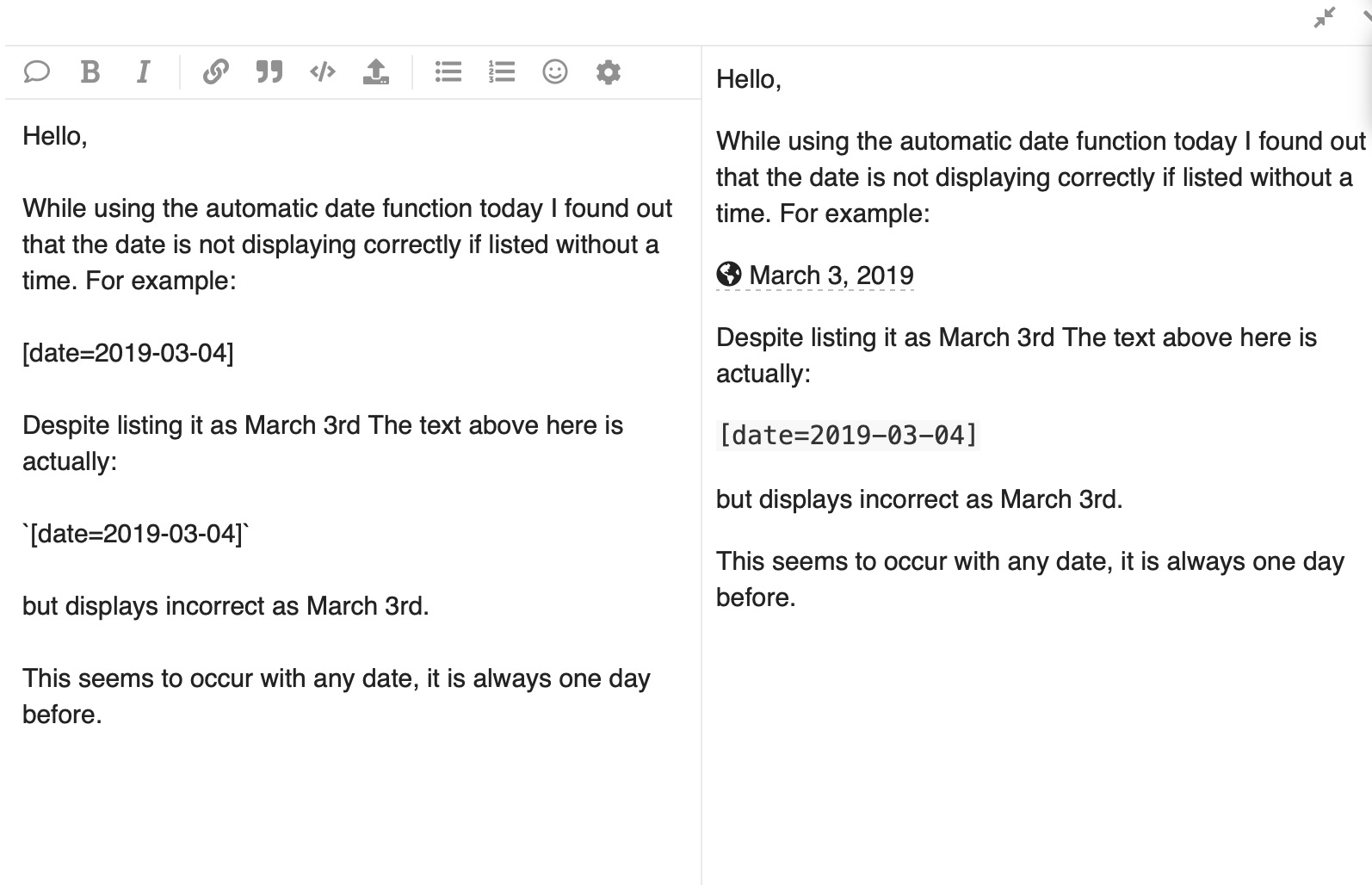
Huh… Why does it default to LA? Should it not default to the user’s time zone or at least the website time zone? (The Discourse that I posted on was set to ET/NY so should be correct)
Are you manually typing out the date without the timezone or removing the timezone? I believe without the timezone it’s interpreting the date as UTC and converting it to your local timezone. (It’s currently the 7th in UTC, but the 6th in EST)
This is what it looks like when I click insert:
[date=2019-03-03 timezone="America/New_York"]
Which is correctly rendered as 2019-03-03T05:00:00Z
On hover we’re providing a reference to multiple timezones, to give some context that this is a localized date/time. If you click advanced mode in the insert date menu, you can change which timezones are displayed on hover.