Disable account confirm emails when creating users via API

@team

Continuing the discussion from Disable Welcome Emails - Can it be done?:

Hello. I’ve tried disabling these in a bunch of ways:

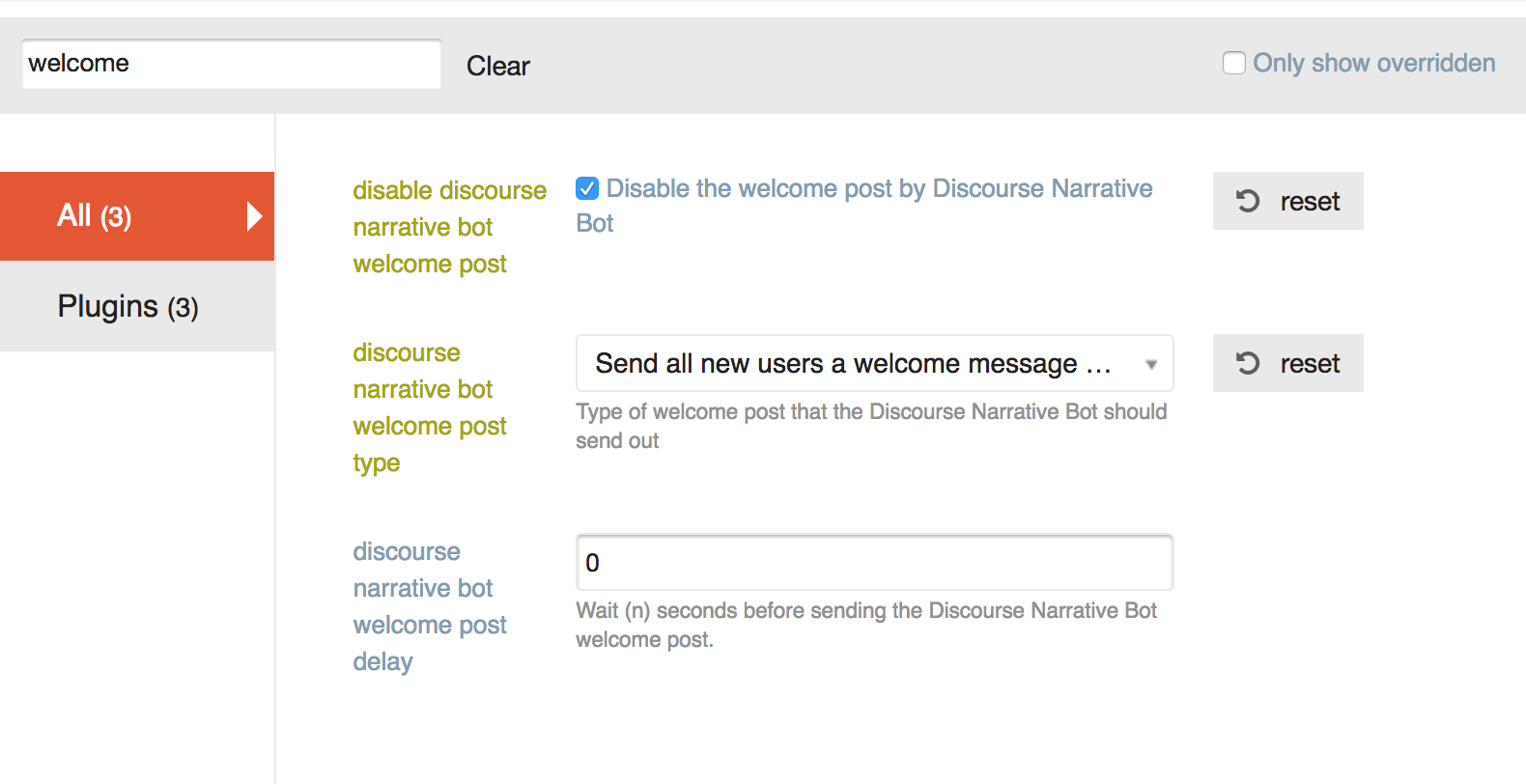
I’ve tried both choices for “discourse narrative bot welcome post type”, and the email sends no matter what.

I’ve also tried doing this:

The email is still being sent. How do I stop it?

Having a similar problem with the “Confirm your new account” email – the PM from discobot is turned off, but users are still receiving the email. It looks like these are different settings. Is there a way to remove the confirmation email?

For clarification, are you adding users via the API @jeffbrowning?

Correct. This is an API call. The data is:

data = {
        'api_key': settings.DISCOURSE_API_KEY,
        'api_username': settings.DISCOURSE_API_USERNAME,
        'name': 'foobar',
        'email':email,
        'password': password,
        'username': 'barbaz',
        'active': True,
        'approved': True
    }

I first tried just sending this API call:
first_res = requests.post('{base}/users.json'.format(base=settings.DISCOURSE_BASE_URL), data

When I did this, my users were not active (despite the active: True in the data above).
I then tried to activate them via the api:

data = {
        'api_key': settings.DISCOURSE_API_KEY,
        'api_username': settings.DISCOURSE_API_USERNAME,
    }
    requests.put('{base}/admin/users/{id}/activate'.format(
        base=settings.DISCOURSE_BASE_URL,
        id=json_response_content['user_id']
    ), data)

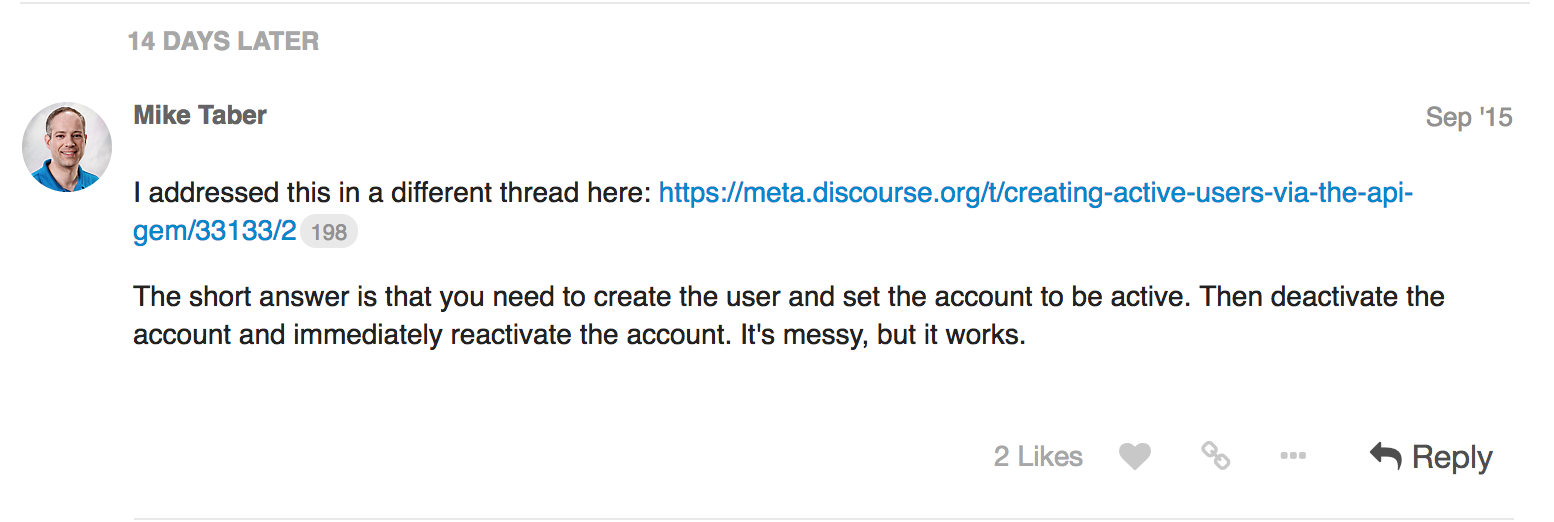
When I did this, the users were active, but the activation email was still being sent. I read here (Creating Active Users via the API gem) That I should try deactivating the user and then activating, so I tried that as well:

data = {
        'api_key': settings.DISCOURSE_API_KEY,
        'api_username': settings.DISCOURSE_API_USERNAME,
    }
    requests.put('{base}/admin/users/{id}/deactivate'.format(
        base=settings.DISCOURSE_BASE_URL,
        id=json_response_content['user_id']
    ), data)
    requests.put('{base}/admin/users/{id}/activate'.format(
        base=settings.DISCOURSE_BASE_URL,
        id=json_response_content['user_id']
    ), data)

I could not see any difference in behavior between this code and the previous version (creating the user, and then activating).
Per:

You can now specify that an account is also approved on creation, previously it was beyond cumbersome.

You should use active: 'true' , upper case true will not work.

As long as the API key is associated with an admin you can now create approved, active accounts via the API with no emails.

We will deploy this to our standard tier later this week.

Ok we’ll try that. Do we still need to deactivate + activate or can we take that out as well?

Take that out, but wait till Friday or so to test this out, we have a process prior to pushing our standard tier that we need to follow.

Is there a security risk here? Can we stipulate these cannot be staff (mod/admin) accounts?

It should be fine, we only whitelist staged, approved and active. Admin/moderator is not in the whitelist

I am still having issues creating user accounts using the API. Here are the params I am passing to create the user

$params = array(
            'name'                  => $user_details['name'],
            'username'              => $user_details['username'],
            'email'                 => $user_details['email'],
            'password'              => $user_details['password'],
            'challenge'             => $api_keys->challenge,
            'password_confirmation' => $api_keys->value,
            'active' => 'true',
            'approved' => 'true',
            );

The user is being successfully create and no email is being sent. But when I try to login using the account created I am getting the following error message.
You can’t log in yet. We previously sent an activation email to you at *@.org. Please follow the instructions in that email to activate your account. Do I have to change any other settings on the admin? Any help is appreciated.

You might try activating the user with a second API call.

@pfaffman The issue that I am facing with that approach is, a confirmation email gets sent out when I create the user without the “active” parameter. Ideally I would want to create and activate an user using the api without sending the confirmation email.

So my idea was to create the user that way and then try to activate the user via a second API call.

Usually the answer to questions like this are to use SSO, but it’s not clear that it’s what you should do.

Unfortunately we cant use SSO.
The issue with creating an user by passing the active flag and then trying to activate is that we cant activate an already activated user.
I was hoping when active =“true” is passed as a parameter to create the user the user account should be created and activated without sending the confirmation email. Looks like the API request is not doing that.

That sounds like a bug to me.

My next suggestion would be to create it with active. Then deactivate and reactivate with the API. (Or to submit a PR that fixes the bug.)

Yes, Looks like this is the only method that works. Thanks.

هل هذا يعمل على الإطلاق؟

يبدو أن الإلغاء التفعيل والتفعيل أيضًا لا يعملان بشكل صحيح. أرى أن الرسائل الإلكترونية لا تزال تُرسل إلى المستخدمين الذين تم تفعيلهم مسبقًا.

لقد حاولت إرسال استدعاءات API مع تعيين active=true و approved=true، لكنني حصلت على الاستجابة التالية:

{
"success": true,
"active": false,
"message": "أنت على وشك الانتهاء! لقد أرسلنا بريدًا إلكترونيًا للتفعيل إلى '[بريدي الإلكتروني]'. يرجى اتباع التعليمات الواردة في البريد لتفعيل حسابك. إذا لم يصل، تحقق من مجلد الرسائل غير المرغوب فيها."
}

ومع ذلك، لم يتم إرسال أي بريد إلكتروني، ولا يبدو أن أي مستخدم قد تم إنشاؤه - على الأقل، لا أرى أي مستخدم في واجهة المسؤول. ما الذي قد يكون سببًا لذلك؟

ربما تكون تحت علامة التبويب “جديد” بدلاً من علامة التبويب “نشط”؟

لست متأكدًا تمامًا من حالة الاستخدام الخاصة بك لإنشاء مستخدمين عبر واجهة برمجة التطبيقات، لكنني أقترح النظر في استخدام تسجيل الدخول الموحد.

ومع ذلك، إليك الخطوات الحالية التي يجب عليك تنفيذها لإنشاء مستخدم عبر واجهة برمجة التطبيقات دون إرسال بريد إلكتروني للتأكيد. ستحتاج إلى إرسال 3 طلبات:

  1. إنشاء المستخدم مع معلمة active=true
  2. تعطيل المستخدم
  3. تفعيل المستخدم.

مرحبًا بليك، شكرًا لك على ردك!

لا، للأسف ليس كذلك. لقد تحققت من ذلك. لسبب ما، لدي نفس قائمة المستخدمين في علامتي التبويب “نشط” و"جديد"، فقط بترتيب مختلف.

أنا على وشك الانتقال من منصة أخرى (YouTrack، وهو أداة تتبع المشكلات)، وأود جعل العملية سلسة وخالية من التعقيدات لمستخدمينا قدر الإمكان. لذا كانت خطتي نقل جميع المستخدمين عبر واجهة برمجة التطبيقات، ثم نقل منشوراتهم (استخراجها من أداة تتبع المشكلات وإنشاؤها في Discourse عبر واجهة برمجة التطبيقات)، والتعليقات والمرفقات، وبعد ذلك إرسال الدعوات. هذا هو السبب في أنني أحتاج إلى إنشاء المستخدمين أولاً - لجعلهم مؤلفي منشوراتهم وتعليقاتهم.

نعم، لقد قرأت ذلك في هذا الموضوع أعلاه. المشكلة هي أنه بالنسبة للخطوة 2، أحتاج إلى معرفة معرف المستخدم (User ID)، والذي من المفترض أن يكون موجودًا في استجابة الخطوة 1، لكنه غير موجود. أيضًا، يجب أن تكون رسالة الاستجابة لـ “active=true” مختلفة، كما هو موضح هنا: Creating Active Users via the API gem - #36 by mikechristopher