Moin
10월 28, 2024, 9:05오전
1
이제 최소 세 번째로 테이블 아래에 왜这么大的 간격이 있는지 궁금해합니다.
제 문제는 테이블을 터치해야만 수정 버튼이 보인다는 것입니다.
보통 게시물을 볼 때 그렇게 하지 않기 때문에, 제가 무엇을 추가해서 그 간격이 생겼는지 궁금합니다. 그러다 게시물을 수정하려고 보니 테이블 아래에 특별한 것이 없어 혼란스럽습니다. 처음에는 매우 존경하는 커뮤니티 모더레이터가 제 태블릿이 모바일과 데스크톱 스타일 사이에 끼어 있을 가능성이 높다고 알려주셨습니다. 다음에는 게시물을 수정해 본 뒤에야 다시 기억났습니다. 모바일처럼 테이블을 먼저 터치하지 않고도 테이블 아래에 버튼이 표시되도록 할 수 있을까요?
5개의 좋아요
Moin
8월 5, 2025, 5:08오후
2
격차는 여전히 동일합니다. 다만, 이제 버튼에 텍스트가 없어져 크기가 작아졌기 때문에 숨겨진 버튼을 찾는 것이 약간 더 어려워졌습니다.
2개의 좋아요
Moin
11월 5, 2025, 8:49오후
3
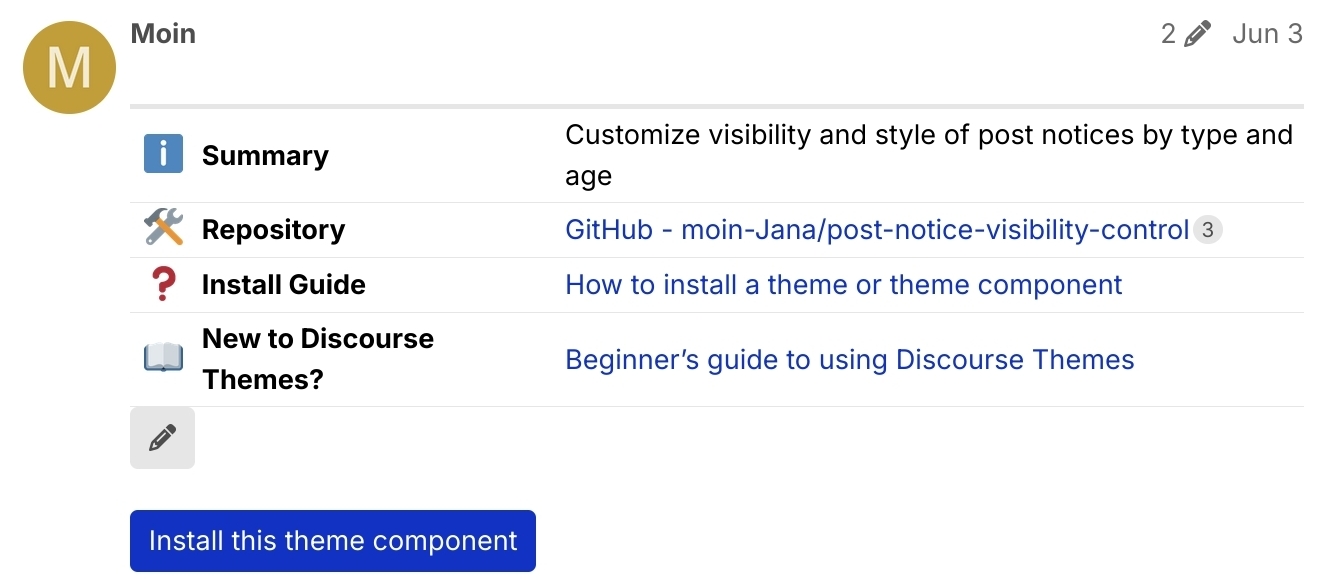
또 다른 스크린샷을 공유합니다. 제가 인용한 표는 아래에 2개의 펜이 있으므로, 혼란스러운 간격이 더 큽니다
1개의 좋아요
이 변경 사항은 태블릿에서도 영구적으로 표시되도록 합니다
main ← ux-table-edit-element-visibility
merged 11:28AM - 18 Mar 26 UTC
The table edit element's visibility was restricted to size `sm`, making it only … appear on focus for tablets.
Problem:
- not very discoverable
- since it's using opacity, this preserves a large "gap" below the table [which causes confusion ](https://meta.discourse.org/t/huge-gap-below-tables-on-tablets/333153/4)
This commit moves the MQ to `xl`, which covers upto 13" tablets.
Larger screens remains unchanged, and only show on hover still.
<img width="2064" height="2752" alt="CleanShot 2026-03-18 at 11 20 01" src="https://github.com/user-attachments/assets/eae3cff7-8fa2-40ca-87a9-f5dbb05f4d0e" />
펜이 두 개 나오는 건 좀 이상한데, 혹시 원인을 아시는 분 계신가요?
1개의 좋아요
Moin
3월 18, 2026, 10:30오전
7
감사합니다
직접 찾아보지는 않았습니다. 인용문에서만 발견했으니, 인용된 테이블과 관련이 있을지도 모릅니다.
chapoi
3월 21, 2026, 2:26오후
10
이 주제는 마지막 답변 후 3일이 지나면 자동으로 닫힙니다. 더 이상 답변을 할 수 없습니다.