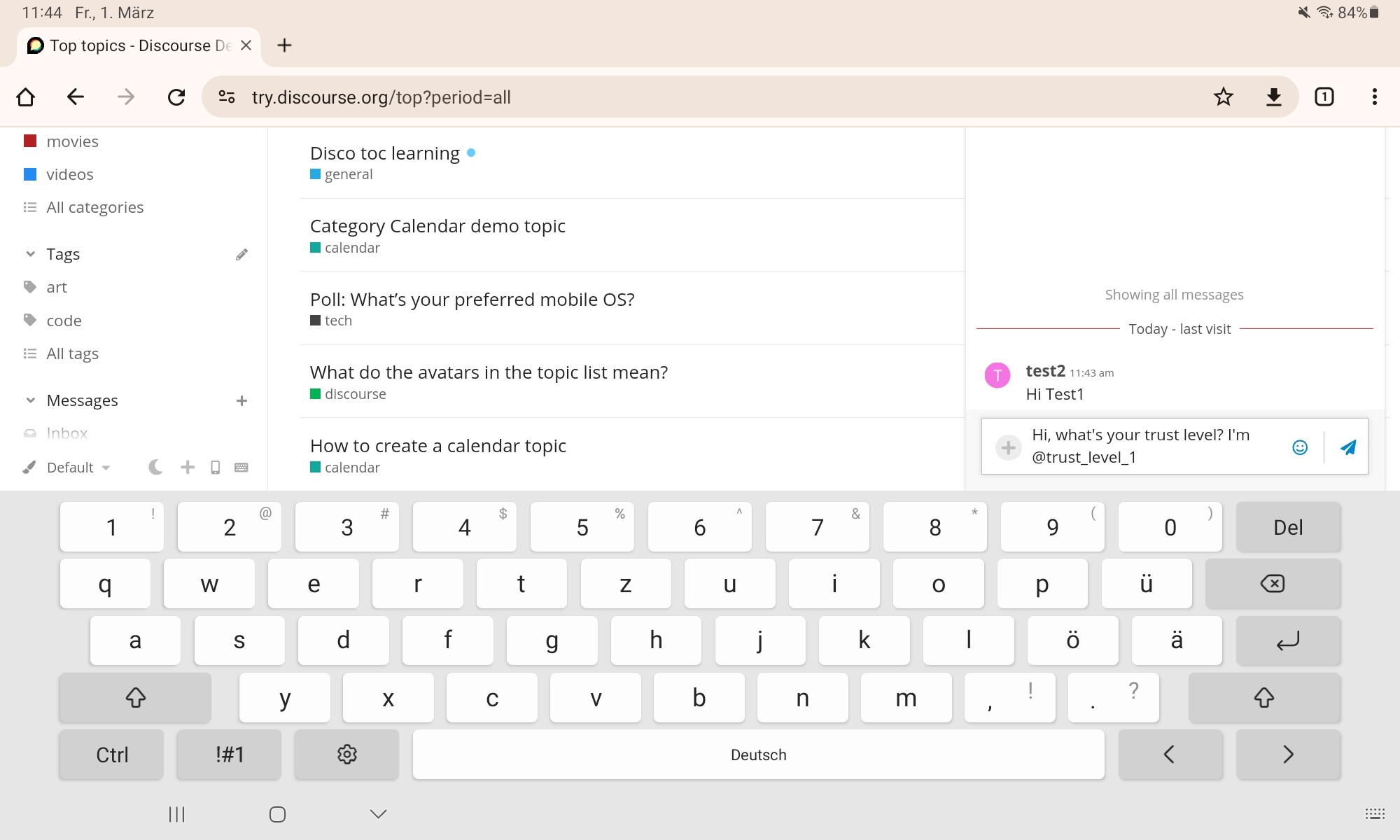
The discussion revolves around the “Just in time” education banner in the composer preview. @Moin and @JammyDodger share a chat conversation where they discuss their experiences with these banners. @Moin mentions that they often miss the banners on mobile devices due to the keyboard covering part of the screen. The user shares screenshots of the issue and asks if there’s a way to ensure the banners are always visible on the screen. @Moin notes that they usually don’t collapse their keyboard or scroll before sending a chat message, making it easy to overlook the banners.
Yeah, I didn’t even know those Just In Time messages existed for ages (I used to only use my phone)
Moin
Some days ago I really missed them, because I wrote @team and I like being told that I do not notify users of that group by mentioning them. On mobile i had to hope it would work like that
Chat tells me after sending the message
JammyDodger
Though I just got a big blue banner before I sent the chat message as well as a little one after when I just used it
Moin
i missed the big banner.
I missed the banner because my screen was partially covered by the keyboard, which also pushed parts of the chat interface off the screen. I usually don’t collapse my keyboard or scroll before sending a chat message, so I don’t check for any banners that I might miss. Is there a method to ensure the banner is always visible on the screen?