maxedleson is experiencing issues with the WPDiscourse plugin not showing the option to publish posts to Discourse. Despite establishing a connection via the API, the option is not visible in the post editor’s commenting section. maxedleson shares screenshots for troubleshooting and later finds the “Discourse” option in the right-hand column of the block editor maxedleson. The issue now is getting photos to publish and displaying Discourse comments in the WordPress post. angus suggests reading the WP Discourse plugin installation and setup documentation, specifically the “Commenting Settings” section, for guidance on resolving the commenting issue.
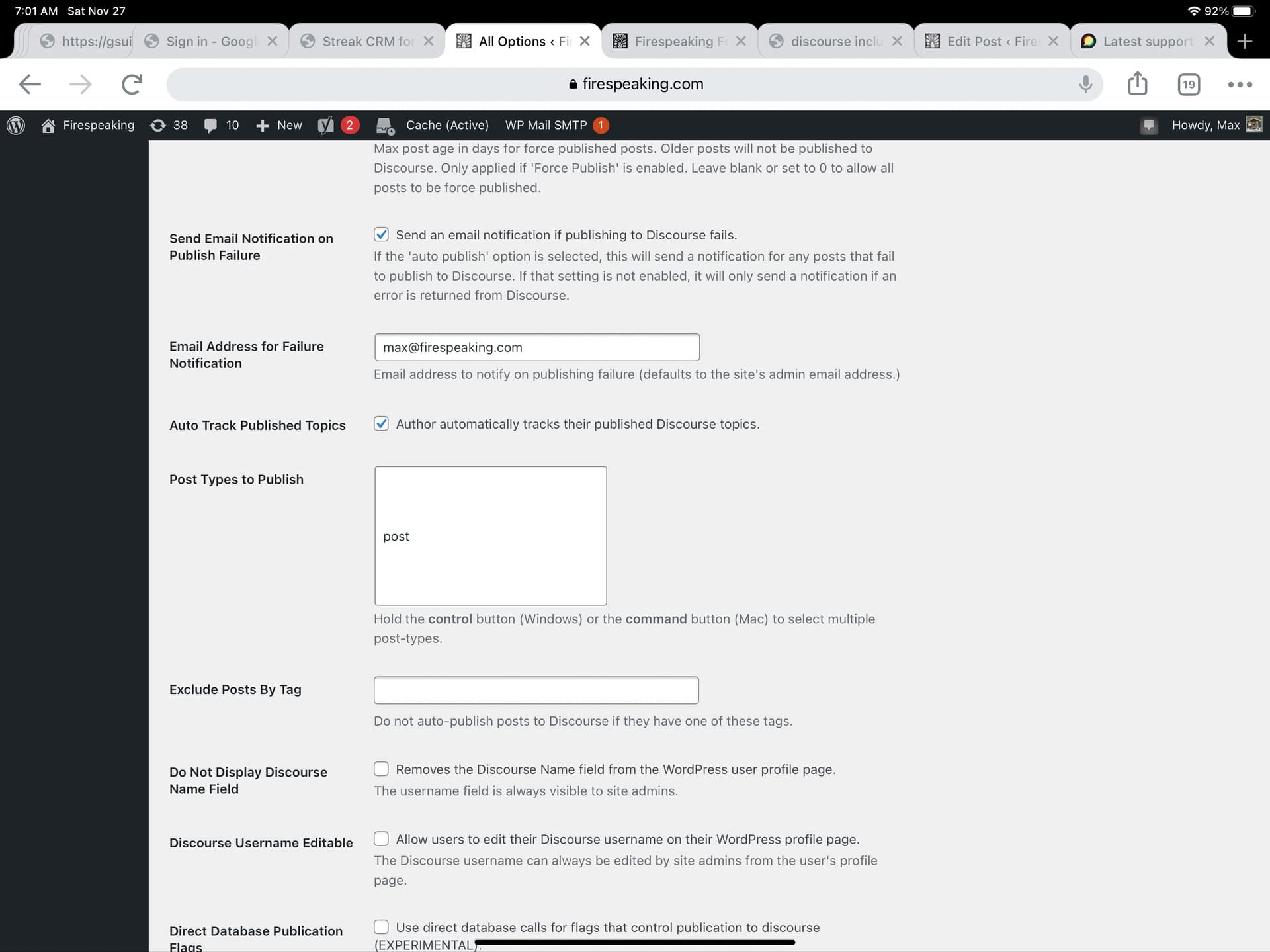
I was able to install the WPDiscourse plugin and I was able to establish a connection via the API but I do not see the option to publish to Discourse when writing posts. I am looking for some indication in the commenting section of the post editor but it does not exist. This basic ability to link wordpress posts to Discourse topics is essential for our adoption of Discourse. Any and all assistance would be greatly appreciated. I am including some screen shots for general troubleshooting. Thank you in advance.
As a new user, I am limited to one media embed… but I can follow up with further showing that the wpdiscourse plugin is installed, the connection established, and the supposedly correct plugin options are selected.
Now, I need to figure out if/how to get the photo to publish and also for the Discourse comments to show up in the wordpress post. Can anyone point me to info about the comments portion of the template and how to problem solve them not showing up in one’s theme?