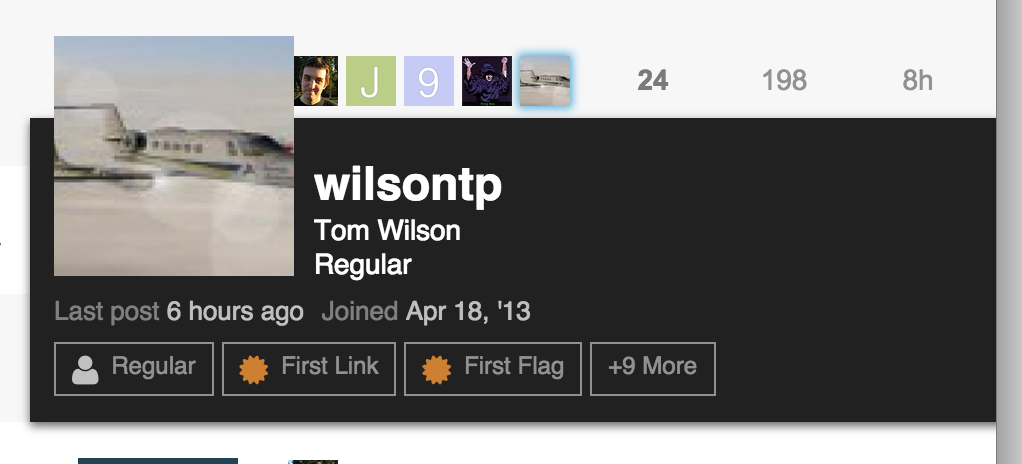
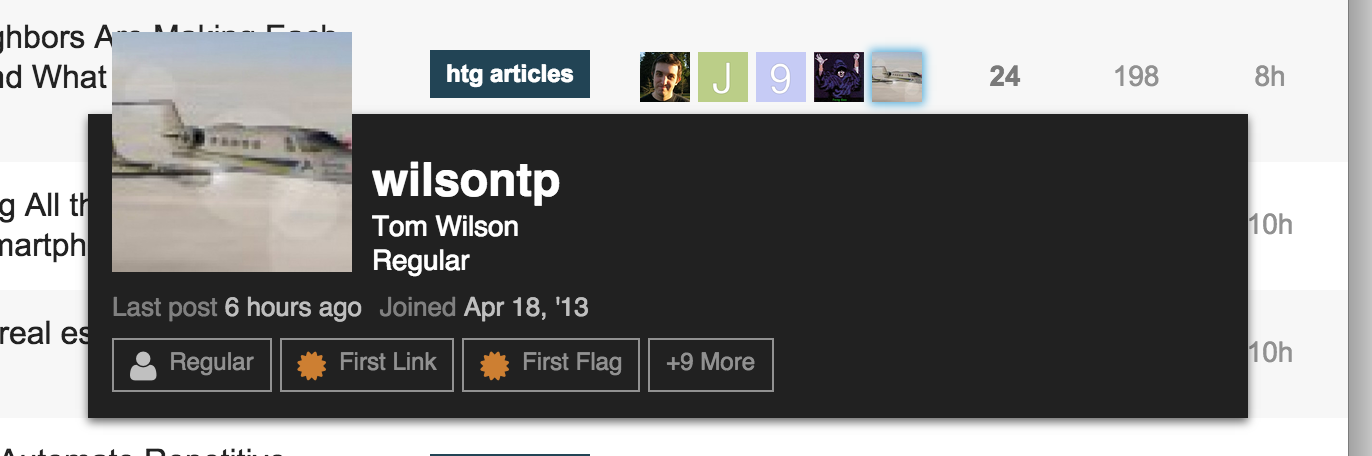
The discussion revolves around an issue with user cards overflowing outside of the window. chapel shares a screenshot and identifies a GitHub commit (246f77c98d48df011a2e80ae5d33bee1104b6366) that causes the issue and proposes a fix in a PR (#3205).
chapel and sam discuss the issue, with sam suggesting that the original change was made to address rendering issues in certain browser widths. chapel shares screenshots of the current behavior and the behavior when using the overage variable.
sam agrees to pull in the proposed fix, and chapel shares additional context about how they encountered the issue while modifying the minimal theme.
Can you test this on a site with a custome header like https://discuss.howtogeek.com/ at various widths. I think chrome exhibited the issue at very particular widths.
As an FYI, I found the issue after adding the user card markup to the last poster info on my version of the minimal theme. Since the last poster is on the far right, it was always going over the edge.