The discussion revolves around the need for clearer descriptions of Discourse settings, particularly for administrators. ganncamp highlights confusion over global versus user-level settings and plugin-specific behaviors, noting that the current UI lacks guidance on where to look for certain configurations. codinghorror suggests improving individual setting descriptions and plugin documentation as actionable steps. JammyDodger offers a tip about using the plugin tab to better understand plugin settings, though ganncamp acknowledges it assumes prior knowledge. The core issue is the lack of clarity in how settings interact—especially between global overrides, plugin features, and built-in functionality—making it difficult for admins to navigate without extensive trial and error. The thread concludes with a recognition that better copy and documentation can significantly improve the user experience.
As an admin, I’m starting to feel that the more I explore Discourse settings, the less I know. Twice in a short time, I’ve struggled to figure out how behaviors are controlled:
When I’m dealing with user-level or category-level settings, there’s no indication that there’s a global override. The search functionality in the admin settings page is great. Really. But if I don’t know that I should be looking for something, or what to look for, it doesn’t help me.
I’m sure there’s a manual somewhere I’m supposed to have read. And, it would be awesome if there were hints in the UI…
Is there any place the description for the settings should be improved? You’ll need to attack this on a setting-by-setting basis. Does the explanation for the setting sufficiently explain it? If not, how can that description be improved?
I’m super open to copyedits that make the meaning of the settings clearer.
For me it’s less about copy edits than it is about knowing there’s a global override in force. For instance, on the question of getting an email when you’re assigned a topic, I thought it was about this user-level setting:
When it turns out this has nothing to do with it, and there’s no indication at the user level that there’s a global setting preventing initial notification. It’s not clear to me that this setting’s description should be edited to include mention of that global setting. but if I had something like this
@codinghorror I gave two recent examples. The other is also from a plugin, so okay maybe this is just about plugins. But the point I’m trying to make is that as an instance admin, these relationships: global vs granular, and plugin versus built-in aren’t clear to me. And beyond that, other than simply clicking through and reading every single setting description, I don’t see how they’re supposed to become clear to me.
Sure; the easiest “fix” is to improve the specific descriptions inside the site settings, and/or the plugin documentation. So I’m trying to winnow this down to smaller, actionable elements. We are very open to copy improvements, and most products are in fact a bunch of words on the page, so never underestimate the power of a copy change:
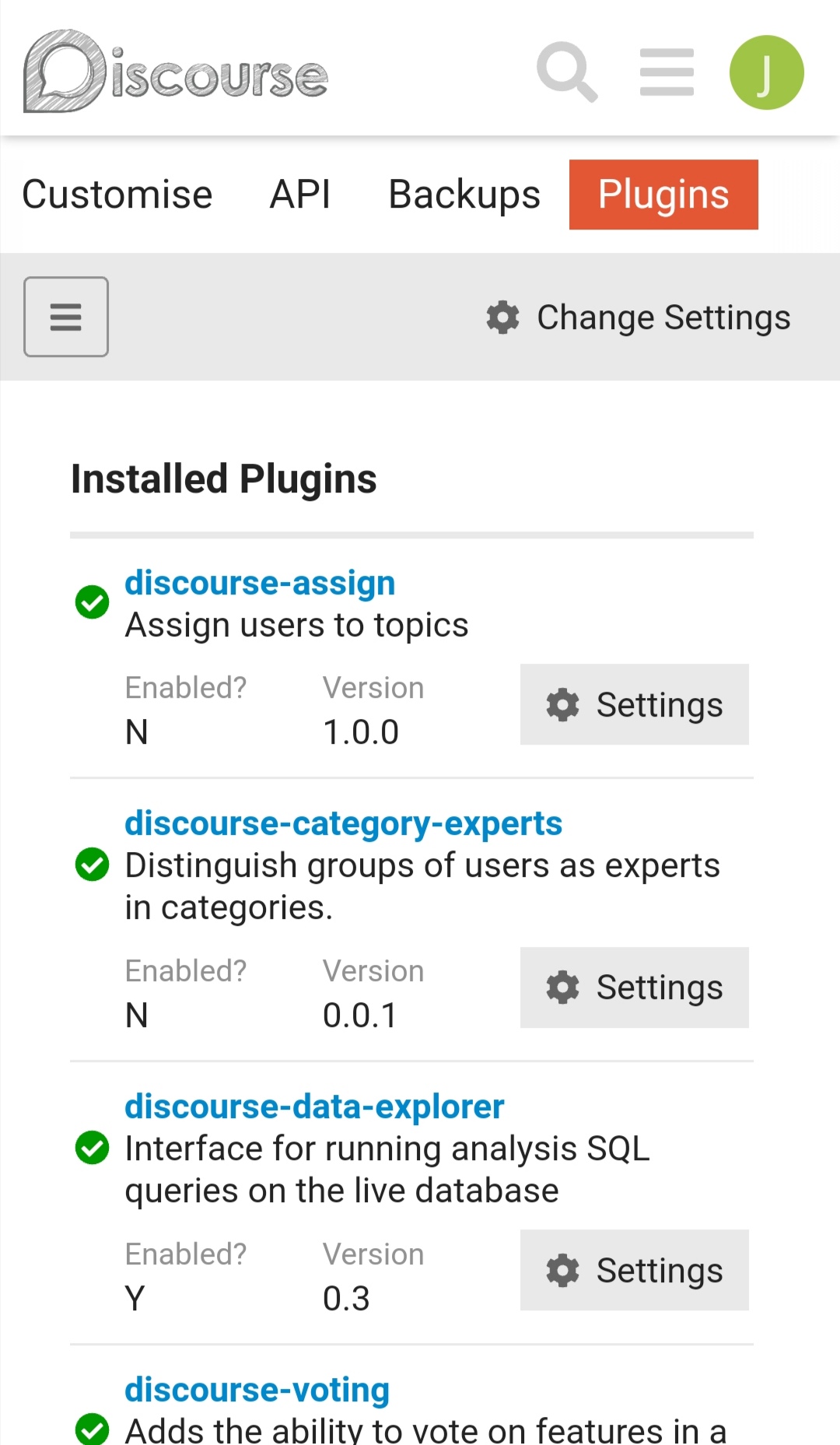
 Settings’ will group all the admin settings for that plugin together, and give a bit of an overview.


