Disable account confirm emails when creating users via API

@team

Continuing the discussion from Disable Welcome Emails - Can it be done?:

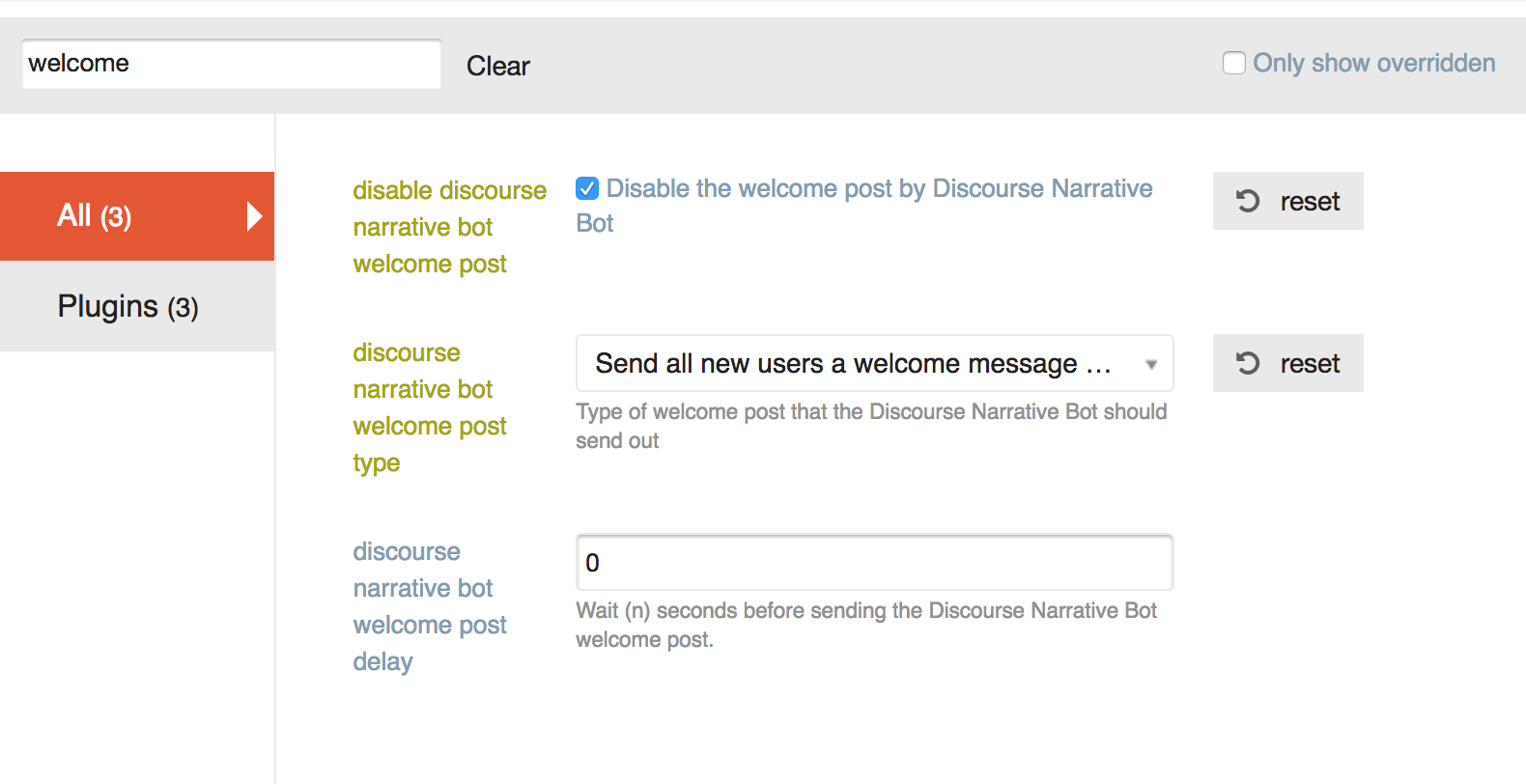
Hello. I’ve tried disabling these in a bunch of ways:

I’ve tried both choices for “discourse narrative bot welcome post type”, and the email sends no matter what.

I’ve also tried doing this:

The email is still being sent. How do I stop it?

Having a similar problem with the “Confirm your new account” email – the PM from discobot is turned off, but users are still receiving the email. It looks like these are different settings. Is there a way to remove the confirmation email?

For clarification, are you adding users via the API @jeffbrowning?

Correct. This is an API call. The data is:

data = {
        'api_key': settings.DISCOURSE_API_KEY,
        'api_username': settings.DISCOURSE_API_USERNAME,
        'name': 'foobar',
        'email':email,
        'password': password,
        'username': 'barbaz',
        'active': True,
        'approved': True
    }

I first tried just sending this API call:
first_res = requests.post('{base}/users.json'.format(base=settings.DISCOURSE_BASE_URL), data

When I did this, my users were not active (despite the active: True in the data above).
I then tried to activate them via the api:

data = {
        'api_key': settings.DISCOURSE_API_KEY,
        'api_username': settings.DISCOURSE_API_USERNAME,
    }
    requests.put('{base}/admin/users/{id}/activate'.format(
        base=settings.DISCOURSE_BASE_URL,
        id=json_response_content['user_id']
    ), data)

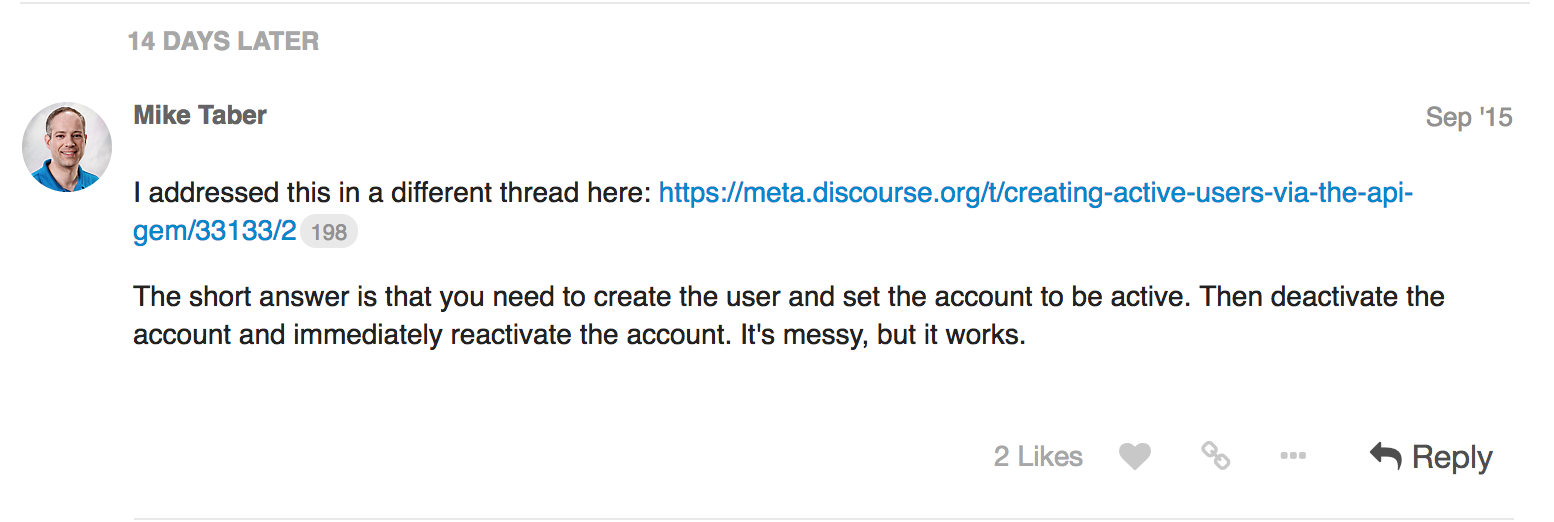
When I did this, the users were active, but the activation email was still being sent. I read here (Creating Active Users via the API gem) That I should try deactivating the user and then activating, so I tried that as well:

data = {
        'api_key': settings.DISCOURSE_API_KEY,
        'api_username': settings.DISCOURSE_API_USERNAME,
    }
    requests.put('{base}/admin/users/{id}/deactivate'.format(
        base=settings.DISCOURSE_BASE_URL,
        id=json_response_content['user_id']
    ), data)
    requests.put('{base}/admin/users/{id}/activate'.format(
        base=settings.DISCOURSE_BASE_URL,
        id=json_response_content['user_id']
    ), data)

I could not see any difference in behavior between this code and the previous version (creating the user, and then activating).
Per:

You can now specify that an account is also approved on creation, previously it was beyond cumbersome.

You should use active: 'true' , upper case true will not work.

As long as the API key is associated with an admin you can now create approved, active accounts via the API with no emails.

We will deploy this to our standard tier later this week.

Ok we’ll try that. Do we still need to deactivate + activate or can we take that out as well?

Take that out, but wait till Friday or so to test this out, we have a process prior to pushing our standard tier that we need to follow.

Is there a security risk here? Can we stipulate these cannot be staff (mod/admin) accounts?

It should be fine, we only whitelist staged, approved and active. Admin/moderator is not in the whitelist

I am still having issues creating user accounts using the API. Here are the params I am passing to create the user

$params = array(
            'name'                  => $user_details['name'],
            'username'              => $user_details['username'],
            'email'                 => $user_details['email'],
            'password'              => $user_details['password'],
            'challenge'             => $api_keys->challenge,
            'password_confirmation' => $api_keys->value,
            'active' => 'true',
            'approved' => 'true',
            );

The user is being successfully create and no email is being sent. But when I try to login using the account created I am getting the following error message.
You can’t log in yet. We previously sent an activation email to you at *@.org. Please follow the instructions in that email to activate your account. Do I have to change any other settings on the admin? Any help is appreciated.

You might try activating the user with a second API call.

@pfaffman The issue that I am facing with that approach is, a confirmation email gets sent out when I create the user without the “active” parameter. Ideally I would want to create and activate an user using the api without sending the confirmation email.

So my idea was to create the user that way and then try to activate the user via a second API call.

Usually the answer to questions like this are to use SSO, but it’s not clear that it’s what you should do.

Unfortunately we cant use SSO.
The issue with creating an user by passing the active flag and then trying to activate is that we cant activate an already activated user.
I was hoping when active =“true” is passed as a parameter to create the user the user account should be created and activated without sending the confirmation email. Looks like the API request is not doing that.

That sounds like a bug to me.

My next suggestion would be to create it with active. Then deactivate and reactivate with the API. (Or to submit a PR that fixes the bug.)

Yes, Looks like this is the only method that works. Thanks.

Funktioniert das überhaupt?

Auch die Deaktivierung und Aktivierung scheint nicht richtig zu funktionieren. Ich sehe, dass E-Mails weiterhin an voraktivierete Benutzer gesendet werden.

Ich habe API-Aufrufe mit active=true und approved=true gesendet, erhalte aber folgende Antwort:

{
„success”: true,
„active”: false,
„message”: „Sie sind fast fertig! Wir haben eine Aktivierungs-E-Mail an '[meine E-Mail]' gesendet. Bitte befolgen Sie die Anweisungen in der E-Mail, um Ihr Konto zu aktivieren. Falls sie nicht ankommt, überprüfen Sie Ihren Spam-Ordner.”
}

Es wurde jedoch keine E-Mail gesendet und es scheint auch kein Benutzer erstellt worden zu sein – zumindest sehe ich keinen in der Admin-Oberfläche. Was könnte der Grund dafür sein?

Vielleicht sind sie unter dem Tab “Neu” statt unter dem Tab “Aktiv”?

Ich bin mir nicht ganz sicher, was Ihr Anwendungsfall für die Erstellung von Benutzern über die API ist, aber ich würde empfehlen, Single Sign-On in Betracht zu ziehen.

Hier sind jedoch die aktuellen Schritte, die Sie ausführen müssen, um einen Benutzer über die API zu erstellen, ohne eine Bestätigungs-E-Mail zu senden. Sie müssen 3 Anfragen stellen:

  1. Erstellen Sie den Benutzer mit dem Parameter active=true.
  2. Deaktivieren Sie den Benutzer.
  3. Aktivieren Sie den Benutzer.

Hallo Blake, danke für deine Antwort!

Nein, leider nicht. Ich habe das geprüft. Aus irgendeinem Grund habe ich in den Reitern „Aktiv“ und „Neu“ dieselbe Benutzerliste, nur in einer anderen Reihenfolge.

Ich plane, von einer anderen Plattform (YouTrack, ein Issue-Tracker) zu migrieren, und möchte den Übergang für unsere Nutzer so reibungslos und nahtlos wie möglich gestalten. Mein Plan ist daher, zunächst alle Benutzer über die API zu migrieren, dann ihre Beiträge (die ich aus dem Issue-Tracker hole und über die API in Discourse erstelle), Kommentare und Anhänge zu übertragen und danach Einladungen zu versenden. Deshalb muss ich zuerst Benutzer erstellen – damit sie als Autoren ihrer Beiträge und Kommentare festgelegt werden können.

Ja, das habe ich oben in diesem Thema gelesen. Das Problem ist, dass ich für Schritt 2 die Benutzer-ID benötige, die eigentlich in der Antwort auf Schritt 1 enthalten sein sollte, aber nicht ist. Außerdem sollte die Antwortnachricht bei active=true anders ausfallen, wie hier gezeigt: Creating Active Users via the API gem - #36 by mikechristopher