Disable account confirm emails when creating users via API

@team

Continuing the discussion from Disable Welcome Emails - Can it be done?:

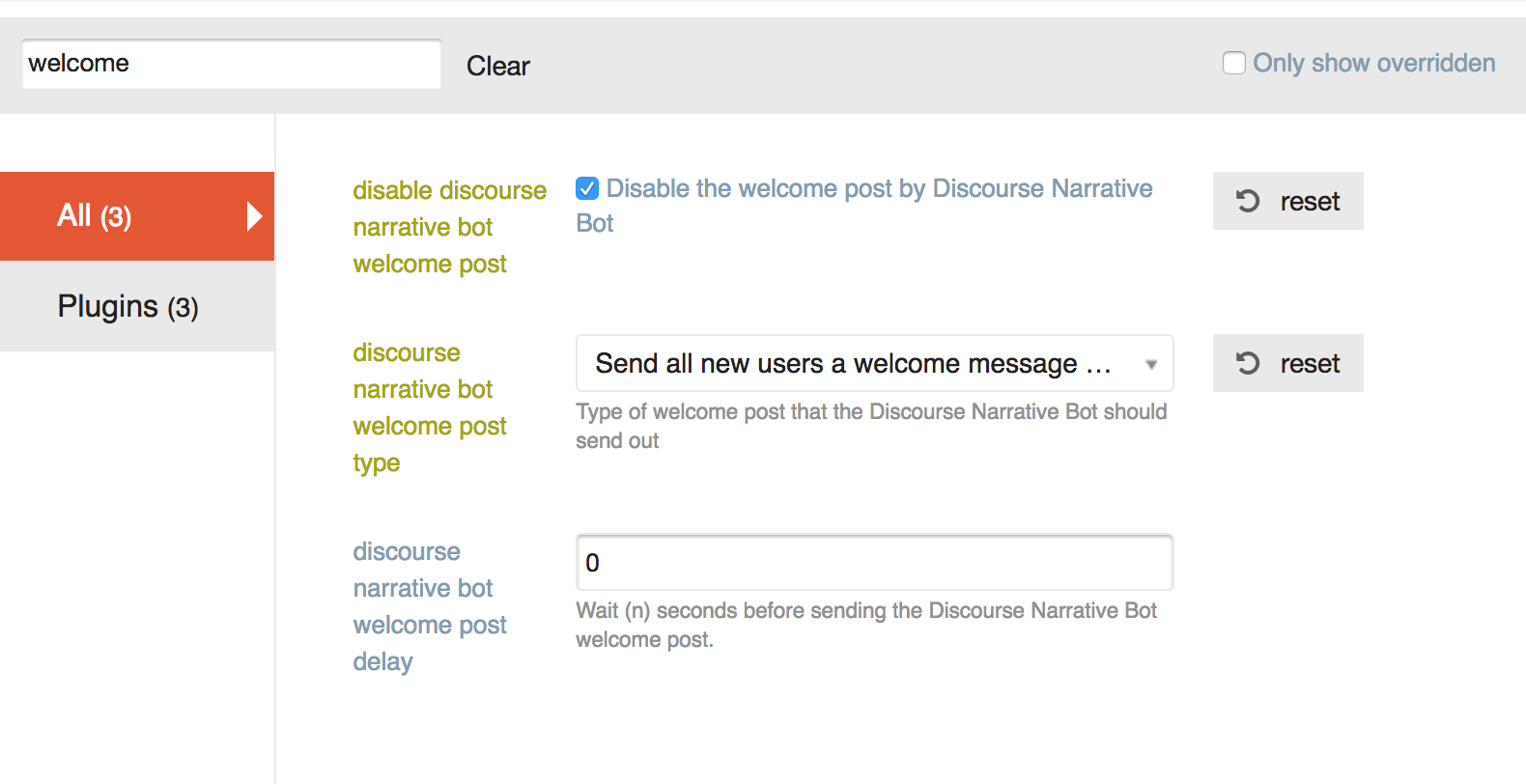
Hello. I’ve tried disabling these in a bunch of ways:

I’ve tried both choices for “discourse narrative bot welcome post type”, and the email sends no matter what.

I’ve also tried doing this:

The email is still being sent. How do I stop it?

Having a similar problem with the “Confirm your new account” email – the PM from discobot is turned off, but users are still receiving the email. It looks like these are different settings. Is there a way to remove the confirmation email?

For clarification, are you adding users via the API @jeffbrowning?

Correct. This is an API call. The data is:

data = {
        'api_key': settings.DISCOURSE_API_KEY,
        'api_username': settings.DISCOURSE_API_USERNAME,
        'name': 'foobar',
        'email':email,
        'password': password,
        'username': 'barbaz',
        'active': True,
        'approved': True
    }

I first tried just sending this API call:
first_res = requests.post('{base}/users.json'.format(base=settings.DISCOURSE_BASE_URL), data

When I did this, my users were not active (despite the active: True in the data above).
I then tried to activate them via the api:

data = {
        'api_key': settings.DISCOURSE_API_KEY,
        'api_username': settings.DISCOURSE_API_USERNAME,
    }
    requests.put('{base}/admin/users/{id}/activate'.format(
        base=settings.DISCOURSE_BASE_URL,
        id=json_response_content['user_id']
    ), data)

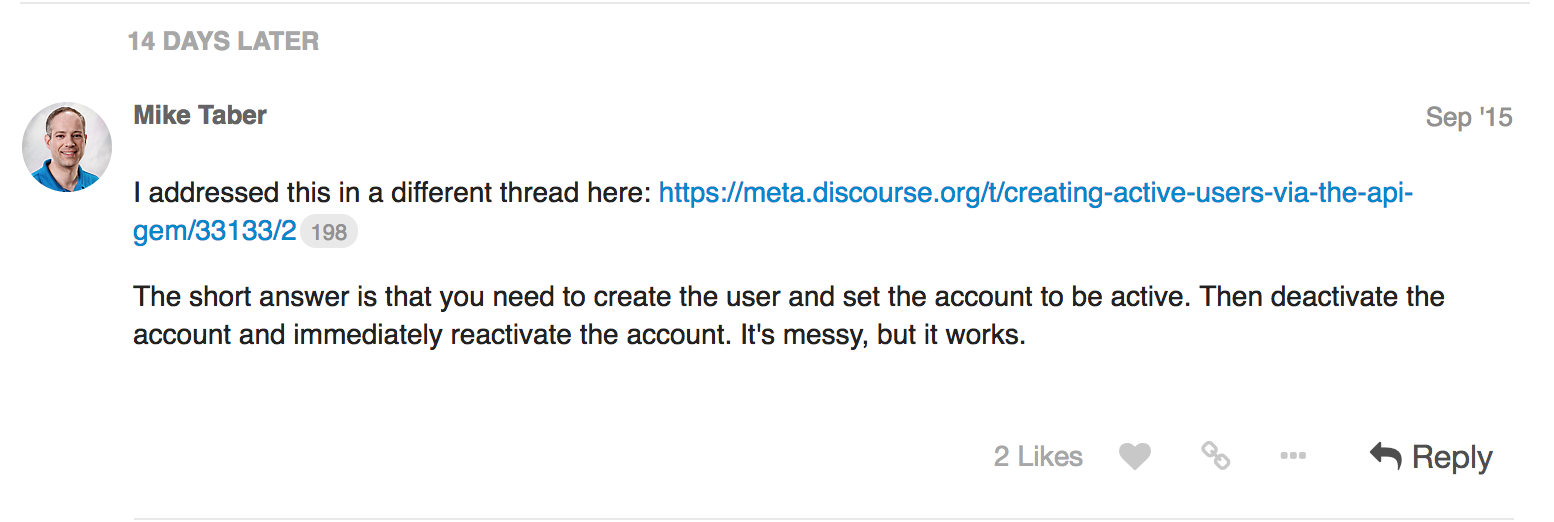
When I did this, the users were active, but the activation email was still being sent. I read here (Creating Active Users via the API gem) That I should try deactivating the user and then activating, so I tried that as well:

data = {
        'api_key': settings.DISCOURSE_API_KEY,
        'api_username': settings.DISCOURSE_API_USERNAME,
    }
    requests.put('{base}/admin/users/{id}/deactivate'.format(
        base=settings.DISCOURSE_BASE_URL,
        id=json_response_content['user_id']
    ), data)
    requests.put('{base}/admin/users/{id}/activate'.format(
        base=settings.DISCOURSE_BASE_URL,
        id=json_response_content['user_id']
    ), data)

I could not see any difference in behavior between this code and the previous version (creating the user, and then activating).
Per:

You can now specify that an account is also approved on creation, previously it was beyond cumbersome.

You should use active: 'true' , upper case true will not work.

As long as the API key is associated with an admin you can now create approved, active accounts via the API with no emails.

We will deploy this to our standard tier later this week.

6 « J'aime »

Ok we’ll try that. Do we still need to deactivate + activate or can we take that out as well?

Take that out, but wait till Friday or so to test this out, we have a process prior to pushing our standard tier that we need to follow.

1 « J'aime »

Is there a security risk here? Can we stipulate these cannot be staff (mod/admin) accounts?

It should be fine, we only whitelist staged, approved and active. Admin/moderator is not in the whitelist

5 « J'aime »

I am still having issues creating user accounts using the API. Here are the params I am passing to create the user

$params = array(
            'name'                  => $user_details['name'],
            'username'              => $user_details['username'],
            'email'                 => $user_details['email'],
            'password'              => $user_details['password'],
            'challenge'             => $api_keys->challenge,
            'password_confirmation' => $api_keys->value,
            'active' => 'true',
            'approved' => 'true',
            );

The user is being successfully create and no email is being sent. But when I try to login using the account created I am getting the following error message.
You can’t log in yet. We previously sent an activation email to you at *@.org. Please follow the instructions in that email to activate your account. Do I have to change any other settings on the admin? Any help is appreciated.

You might try activating the user with a second API call.

@pfaffman The issue that I am facing with that approach is, a confirmation email gets sent out when I create the user without the “active” parameter. Ideally I would want to create and activate an user using the api without sending the confirmation email.

So my idea was to create the user that way and then try to activate the user via a second API call.

Usually the answer to questions like this are to use SSO, but it’s not clear that it’s what you should do.

Unfortunately we cant use SSO.
The issue with creating an user by passing the active flag and then trying to activate is that we cant activate an already activated user.
I was hoping when active =“true” is passed as a parameter to create the user the user account should be created and activated without sending the confirmation email. Looks like the API request is not doing that.

1 « J'aime »

That sounds like a bug to me.

My next suggestion would be to create it with active. Then deactivate and reactivate with the API. (Or to submit a PR that fixes the bug.)

Yes, Looks like this is the only method that works. Thanks.

1 « J'aime »

Is this working at all?

deactivation and activation also seems not to work properly. I see emails still being sent to pre activated users.

J’ai essayé d’envoyer des appels API avec active=true et approved=true, mais j’obtiens la réponse suivante :

{
"success": true,
"active": false,
"message": "Vous y êtes presque ! Nous avons envoyé un e-mail d'activation à '[mon e-mail]'. Veuillez suivre les instructions contenues dans le message pour activer votre compte. Si vous ne le recevez pas, vérifiez vos courriers indésirables."
}

Cependant, aucun e-mail n’est envoyé et aucun utilisateur ne semble être créé – du moins, je n’en vois aucun dans l’interface d’administration. Quelle pourrait en être la raison ?

Ils pourraient se trouver sous l’onglet « nouveau » plutôt que sous l’onglet « actif » ?

Je ne suis pas tout à fait certain de votre cas d’utilisation pour créer des utilisateurs via l’API, mais je vous suggère d’envisager d’utiliser l’authentification unique (SSO).

Cependant, voici les étapes actuelles à suivre pour créer un utilisateur via l’API sans envoyer d’e-mail de confirmation. Vous devrez effectuer 3 requêtes :

  1. Créer l’utilisateur avec le paramètre active=true
  2. Désactiver l’utilisateur
  3. Activer l’utilisateur.
1 « J'aime »

Bonjour Blake, merci pour votre réponse !

Non, malheureusement pas. J’ai vérifié. Pour une raison inconnue, j’ai la même liste d’utilisateurs dans les onglets « Actifs » et « Nouveau », simplement dans un ordre différent.

Je vais migrer depuis un autre outil (YouTrack, un gestionnaire de tickets) et je souhaite que cette transition soit aussi fluide et transparente que possible pour nos utilisateurs. Mon plan consiste donc à migrer tous les utilisateurs via l’API, puis à déplacer leurs publications (en les récupérant depuis le gestionnaire de tickets et en les créant dans Discourse via l’API), leurs commentaires et leurs pièces jointes. Ensuite, j’enverrai les invitations. C’est pourquoi je dois créer les utilisateurs en premier, afin qu’ils puissent être les auteurs de leurs publications et commentaires.

Oui, j’ai lu cela dans ce sujet plus haut. Le problème est que pour l’étape 2, j’ai besoin de connaître l’ID de l’utilisateur, qui devrait figurer dans la réponse de l’étape 1, mais ce n’est pas le cas. De plus, le message de réponse à active=true devrait être différent, comme indiqué ici : Creating Active Users via the API gem - #36 by mikechristopher