Don introduced a theme component titled “Sticky Avatars for Mobile” that adapts the core sticky avatar feature for mobile devices. The component makes the topic avatar and metadata section sticky to the top when scrolling through long posts, while disabling the effect on short posts and personal messages via CSS. To accommodate a custom background color (var(--secondary)), the post highlight styling was adjusted to target .topic-post .contents instead of the entire post. The component is hosted on GitHub with installation guides provided.
jord8on praised the work but requested a feature to add a drop shadow beneath the sticky frame, asking for CSS advice to target the avatar and metadata specifically without affecting the entire element. jord8on later reported a maintenance error warning (discourse.widgets-decommissioned) and mobile-specific errors, questioning if the component is still supported (jord8on, jord8on). Additionally, Canapin noted that the sticky bar blinks during scrolling and suggested adding the #unmaintained tag if the component is no longer being updated.
Hello This theme component is activate sticky avatars for mobile.
I reused the core sticky avatars feature to make it useable on mobile.
The whole section (topic avatar + topic meta data) is sticky to top. If the post height is out of screen long or if scrolling up on long posts. I removed the sticky avatar for short posts when scrolling up so it will only activate on long posts on mobile.
I disabled this feature on personal messages with some css overwrite.
Because on the sticky section I set up a background color var(--secondary), I moved the topic post highlight from .topic-post to .topic-post .contents so only the section below avatar and meta data will highlighted.
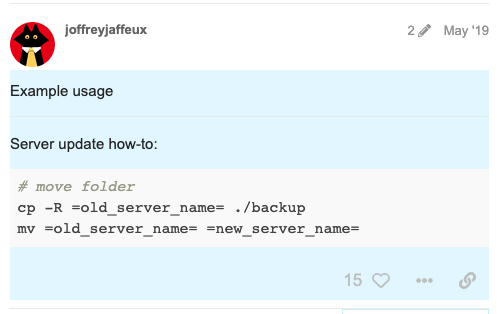
On this post only the contents section is highlighted.
How could I apply a drop shadow beneath the sticky avatar frame?
(Something like this: box-shadow: 0 -10px 30px 8px #CCCCCC;)
It would be nice if there was a feature to the theme component where a subtle dropshadow could be added, where the admin could just enter a #HEX and blur spread or something. But probably not worth the lift on your end.
For now, what would be the proper CSS override be, to target/enable a dropshadow?
When I tried to target topic-meta-data it would put the shadow around that entire element, not just the bottom, and the shadow did not also include the topic-avatar.
 This theme component is activate sticky avatars for mobile.