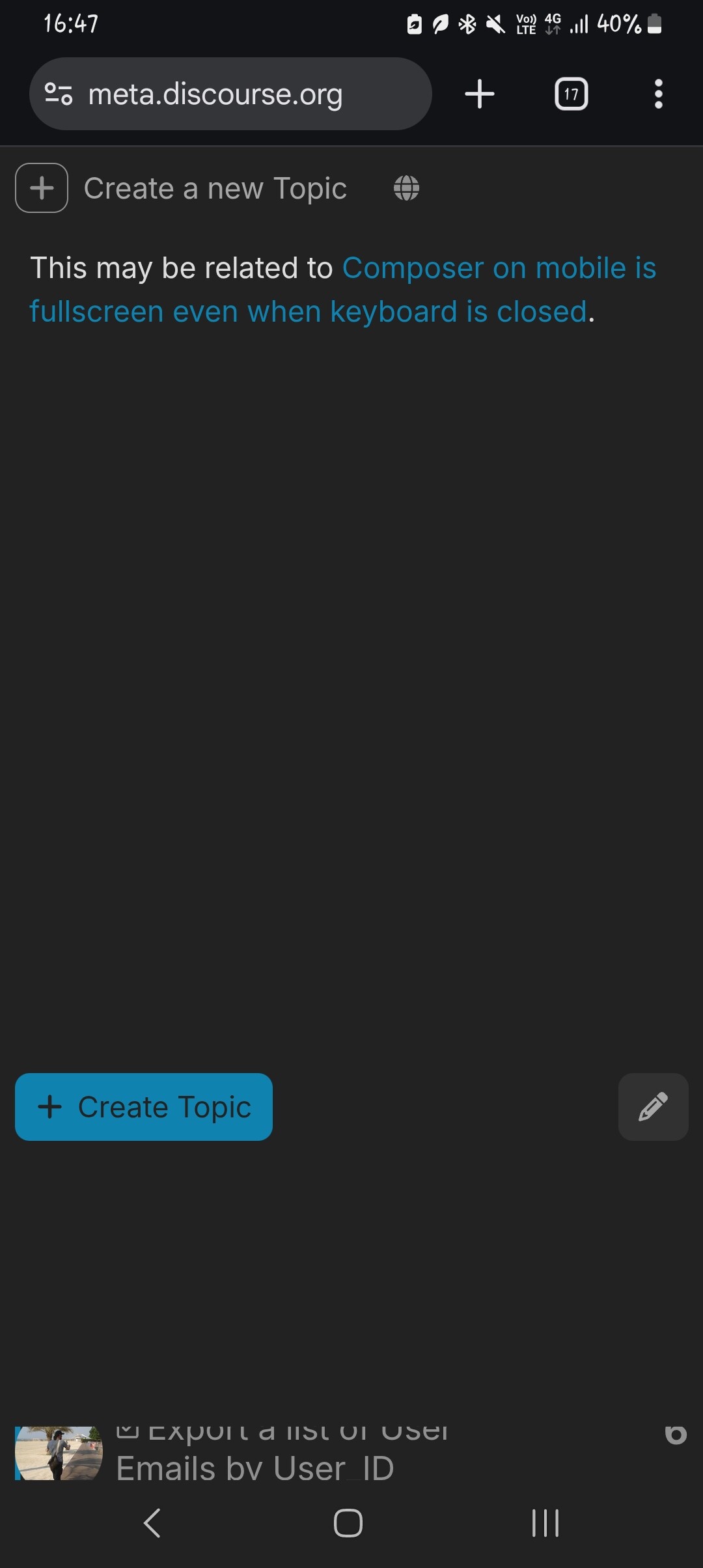
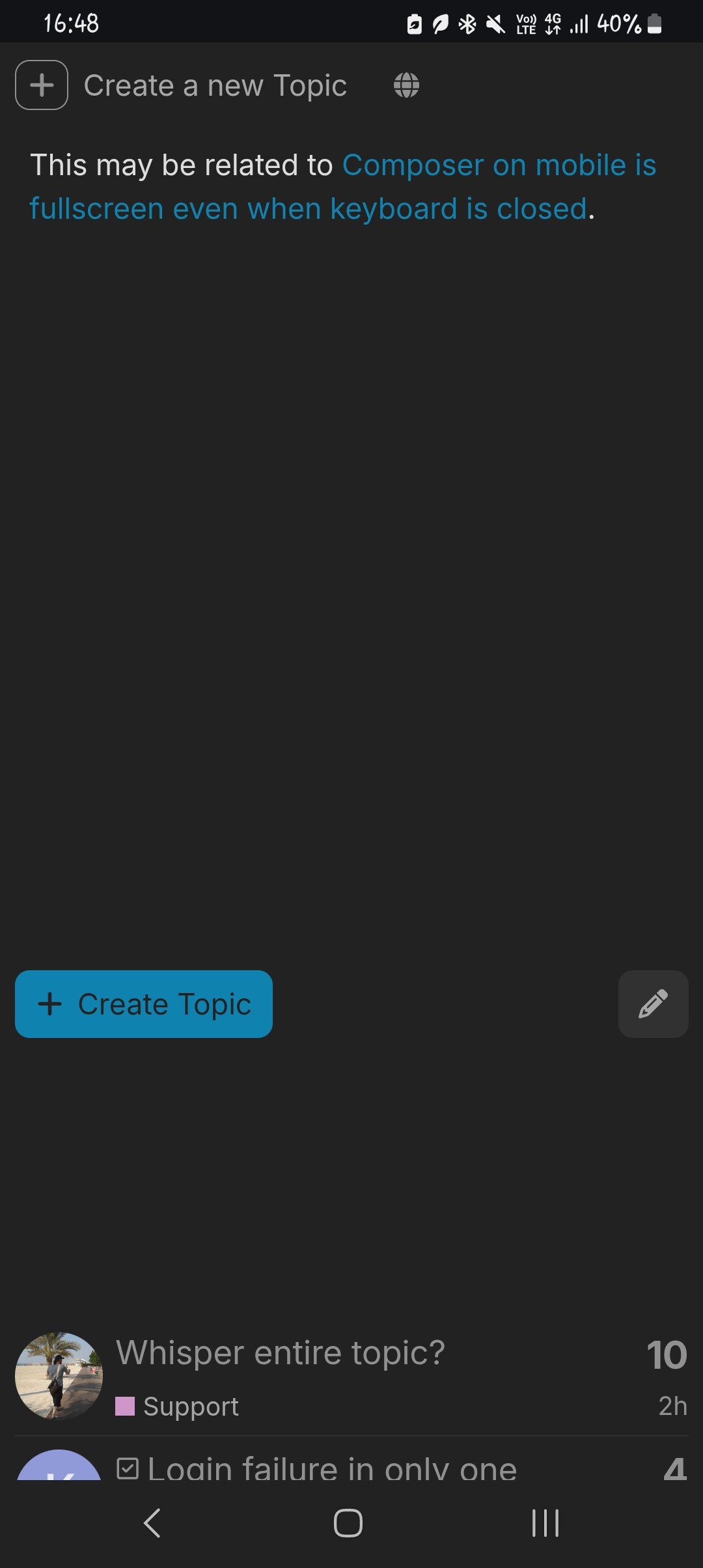
모바일에서 Composer 미리보기가 전체 화면이 아닙니다 (전체 화면이어야 한다면)

This may be related to Composer on mobile is fullscreen even when keyboard is closed.

When viewing the composer preview, you can see the page behind it, as it doesn’t go all the way down (if the composer is intended to be fullscreen):

Scrolling down more (larger gap):

You can actually click on the topic through the gap:

Consequently, you can see the topic behind it:

To scroll, I’m scrolling on the big blank space below the Create Topic and pencil icon buttons. That causes the page behind to scroll as well, although the preview doesn’t. However, you can scroll the preview if you scroll on the actual preview area (i.e. above the said buttons).

1개의 좋아요

Hi,

is still still the case for you @NateDhaliwal ?

If so, could you share browser version + device please

1개의 좋아요

Yes, I can still see it. I’m on Chrome, mobile, Android A14.

1개의 좋아요

So, just we’re on the same page here: on Meta, my new-topic page looks like this:

Where are the category/tag/title fields in your screenshot? How did you get to that setup?

Ah, apologies for not being clear. I am in Markdown mode and viewing the preview of my post.

Yes, I realised the second I posted it! :woman_facepalming:

1개의 좋아요

Silly oversight on my behalf, should be fixed by UX: remove height limit when showing preview on mobile composer by chapoi · Pull Request #34485 · discourse/discourse · GitHub

Thanks for the report!

1개의 좋아요