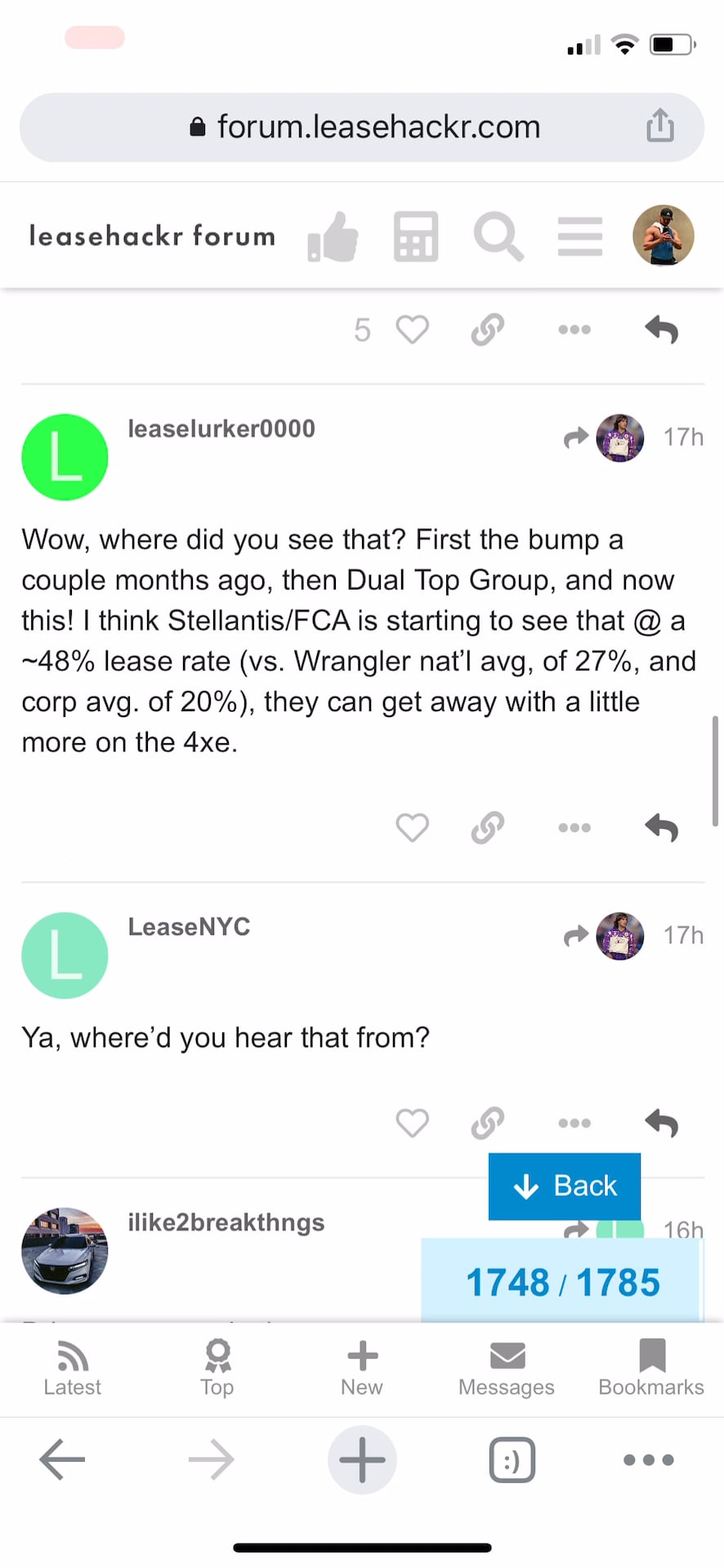
Scroll to the bottom of a long thread and refresh the page.
Grab the scroll bar and scroll up to the top of the page. You’ll see a loading spinner while the previous posts load. (You can make this problem more obvious using a network conditioning tool, e.g. Chrome Dev Tools Network tab, Slow 3G.)
Actual: As the posts load, the scroll jumps around.
In the linked video, you can see that RBoy’s post #76 “Maybe codinghorror can confirm” is at the top of the screen; then, when the subsequent page finished loading, the scroll jumps up to lid’s post #9 “It will be interesting to see if…”
Expected: The previous page should appear without disturbing the scroll position; whatever I saw on the screen as the previous page loads should still be on the screen when it’s drawn in.
That just looks like posts are loading as you scroll up. It’s worse when you limit network speeds because the data takes longer to traverse a slower network.
Try scrolling using the handle on the timeline scroller. It won’t jump around because more posts aren’t being loaded ahead and causing the position of the scrollbar to be recalculated. It’s a big part of why it’s there to begin with.
I agree that this is happening because the posts are loading. With a slow network, I can reproduce this just scrolling with trackpad/mouse wheel. (Would it help to post a demo video of that?)
This problem is occurring only when scrolling up because when scrolling down, Discourse draws in a bunch of grey filler; when the posts become available, they pop in right where they’re supposed to be and the scroll doesn’t jank.
It happens because pages are rendered from top to bottom, Discourse doesn’t know the height of posts before they arrive. I can see the scrollbar hopping around as you drag up, using the scroller at least mitigates against the problem by scrolling to the absolute top of each reply.
For the record, this is a very difficult problem. And scrolling down is fundamentally different because you’re not stacking things on top of the viewport. A variable height post causes no problems when added to the bottom, but consider what it does when stacked on top.
Sí, es así. Como moderador no veo anuncios y el desplazamiento hacia arriba sigue siendo problemático.
¿Tiene sentido que el software no “retroceda” si los usuarios se desplazan hacia arriba demasiado rápido? Supongo que el problema se debe a que los usuarios se desplazan demasiado rápido, por lo que las publicaciones no se renderizan correctamente, como se explicó anteriormente. Preferiría que la pantalla se congelara en lugar de retroceder después de que las publicaciones anteriores terminen de cargarse, lo cual confunde a los usuarios.
Acabo de intentar replicar el problema tanto en el modo normal como en el modo seguro. No logré replicarlo. Actualicé Discourse hace dos días; no estoy seguro de si eso haya cambiado algún comportamiento. Preguntaré a mi comunidad para obtener más comentarios. ¡Gracias por el seguimiento!
También estamos recibiendo muchas denuncias sobre esto en nuestro sitio. Lo intenté ahora y descubrí que el problema persiste en modo seguro. Algunos informes recientes:
Acabamos de corregir un error en el que sitios con configuraciones inusuales (no recuperar el tamaño de las imágenes) tenían problemas con imágenes que provocaban saltos en el desplazamiento a medida que las imágenes cambiaban de tamaño. Hemos eliminado esta configuración, ya que era una opción que “se dispara uno mismo en el pie”. Quizás deba verificar si tenía esa opción habilitada.
El otro posible culpable son los anuncios.
Básicamente, cualquier cosa que provoque que la ventana gráfica cambie de tamaño dinámicamente causará grandes problemas.